The advice to use “a strong password” is useless if you can’t remember it. The good news: strong and memorable aren’t opposites. A few long, unique passphrases, or a password manager, solve the whole problem. This guide shows how to build passwords that are genuinely hard to crack and easy to recall.
- Length beats complexity — aim for 12+ characters or four random words.
- Use a different password for every account, never reuse one.
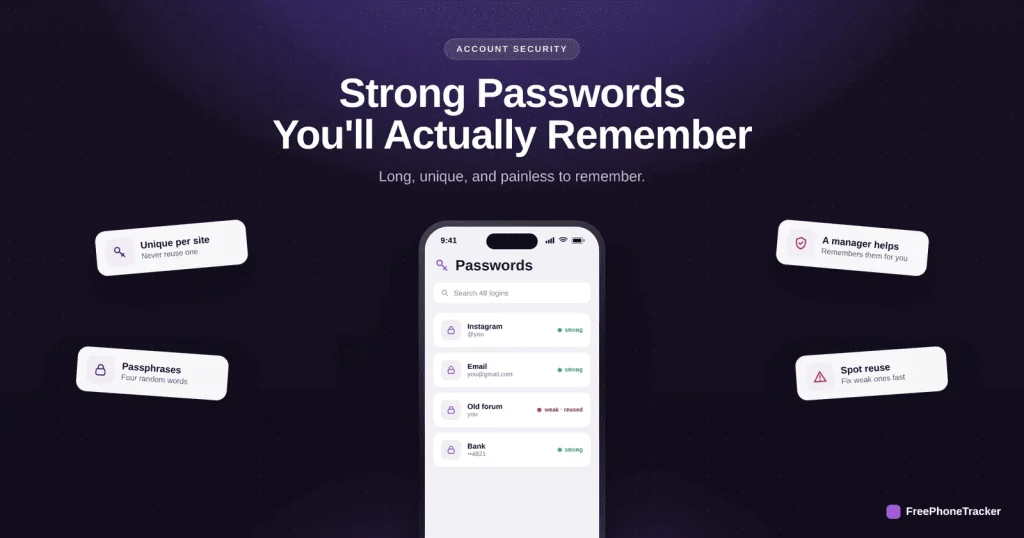
- A passphrase like four unrelated words is strong and memorable.
- A password manager remembers them so you don’t have to.
What makes a password strong
Forget the symbols-and-numbers ritual. What actually matters is length and uniqueness.
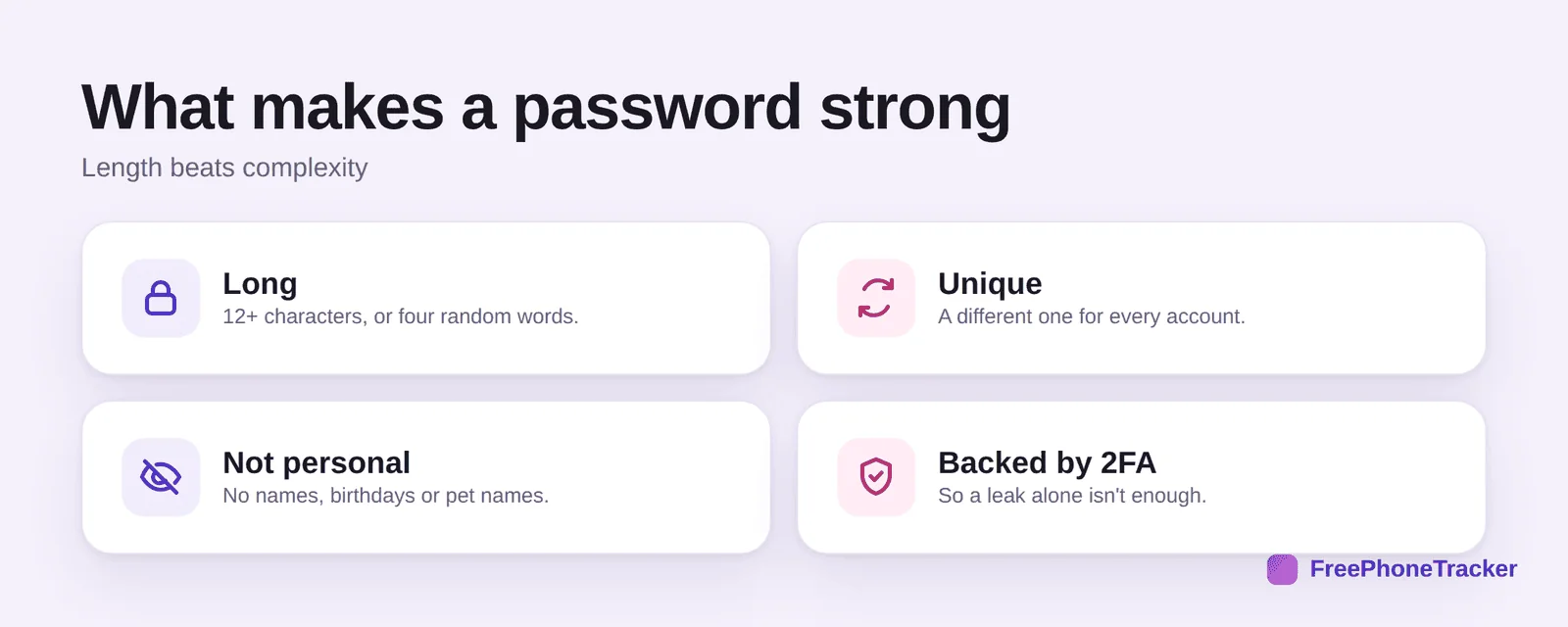
Make it long, 12+ characters, or four random words. Make it unique to each account so one leak can’t spread. Keep it impersonal, no names, birthdays or pet names a stranger could guess. And back it with 2FA so even a leaked password isn’t enough on its own.
The passphrase trick
This is the trick that makes strong passwords memorable, and it’s genuinely easy.
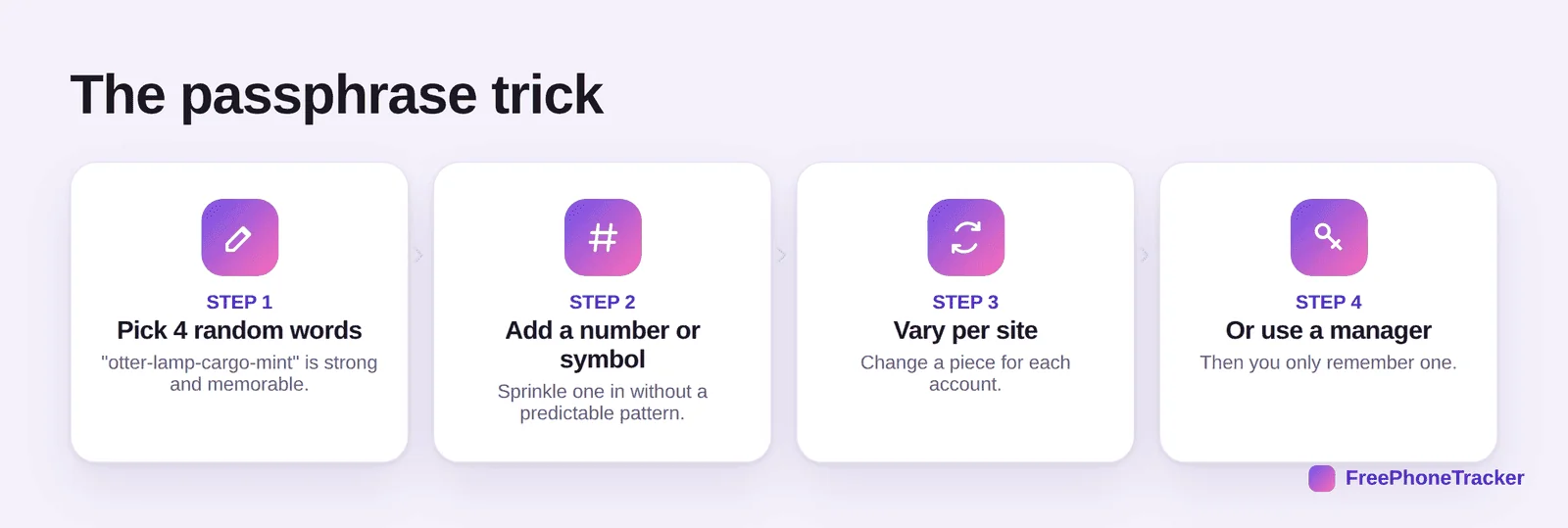
Pick four unrelated words (“otter-lamp-cargo-mint”) — long, random, and easy to picture. Add a number or symbol without a predictable pattern. Vary a piece per site so each is unique. Or skip the mental work entirely and use a manager, then you only remember one strong password.
Avoid the classics
Most hacks succeed on lazy habits, not clever attacks. Avoid these and you’re ahead of most people.
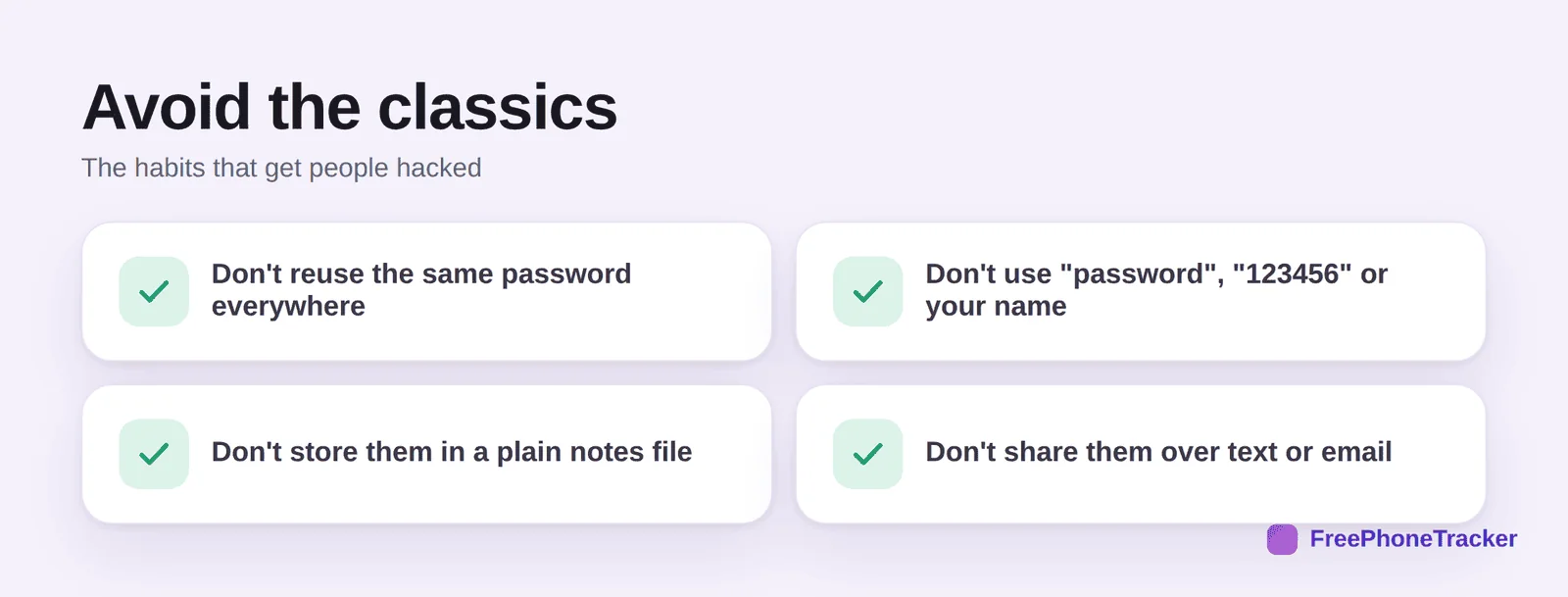
Don’t reuse one password everywhere. Don’t use “password,” “123456” or your own name. Don’t keep them in a plain notes file synced to the cloud. And don’t share them over text or email, where they linger forever.
Teaching kids good habits
Password hygiene is a habit best learned young, and it’s a natural family conversation.
Help kids set a unique passphrase for their main accounts and turn on two-factor together. It’s the same lesson that keeps your own accounts safe, and it pairs with our account-recovery guides for when something slips through.
Common questions
Do I really need a different password for every account?
Yes. Reuse is the number-one reason a single breach snowballs. Unique passwords contain the damage to one account.
Isn’t a random string of symbols strongest?
A long passphrase of random words is just as strong and far easier to remember. Length matters more than a jumble of symbols you’ll forget.
Are password managers safe?
Reputable ones are, and they’re far safer than reusing passwords or storing them in notes. You protect the manager with one strong password plus 2FA.
How often should I change my passwords?
Only when there’s a reason, a breach, a shared password, or a weak old one. Forced regular changes tend to make people pick weaker passwords.
What about my kids’ passwords?
Same rules: long, unique, not personal, plus 2FA on the important accounts. Set them up together so it becomes a habit.
Strong passwords don’t have to be a memory test, use long, unique passphrases, or let a manager handle it, and back the important ones with 2FA. That combination defeats the vast majority of attacks. Get started free, and turn on two-factor authentication next.