One of the most effective account thefts today needs just one thing from you: a six-digit code, forwarded willingly. The scammer already has your password; that verification code is the last lock, and they trick you into handing it over. This guide explains exactly how text-code interception scams work and the single rule that defeats them.
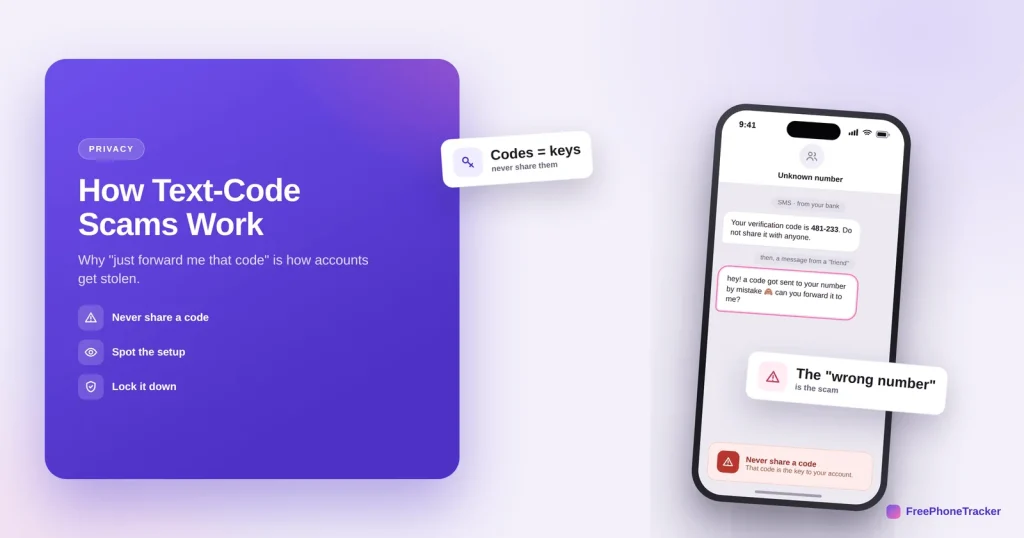
- The scammer has your password and triggers a login, sending the 2FA code to you.
- They then pose as a friend or support and ask you to “forward” it.
- Handing over that code hands over your account.
- The rule is absolute: never share a verification code, with anyone.
How the scam works
It’s clever because you’re the one who unlocks the door. Here’s the sequence.
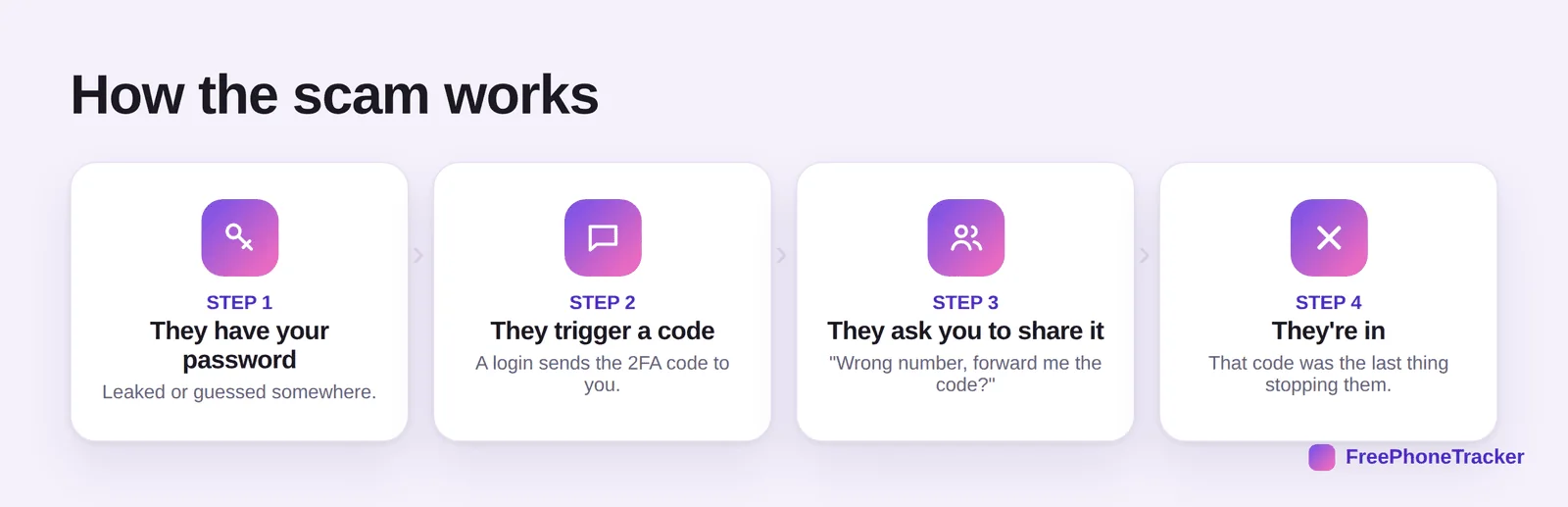
First, they have your password, leaked in a breach or reused from another site. They trigger a code by logging in, so the 2FA text arrives on your phone. They ask you to share it, “a code was sent to your number by mistake, can you forward it?” And once you do, they’re in, because that code was the only thing left stopping them.
Spot a code scam
The setups vary but the signals are consistent.
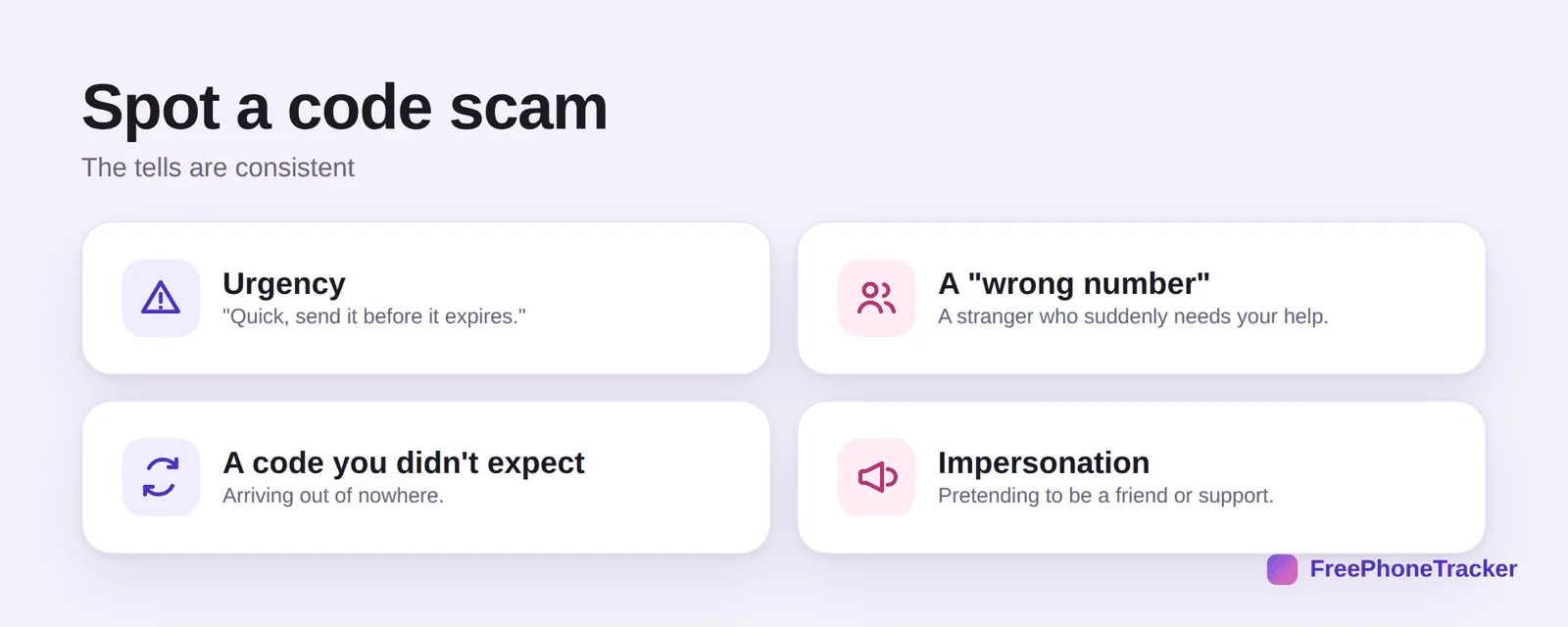
Watch for urgency (“quick, before it expires”). A “wrong number”, a stranger who suddenly needs your help. A code you didn’t expect, arriving out of nowhere (that means someone’s trying to log in as you). And impersonation, someone posing as a friend, your bank, or “support.”
Never lose an account this way
There’s really only one rule, and it’s absolute.
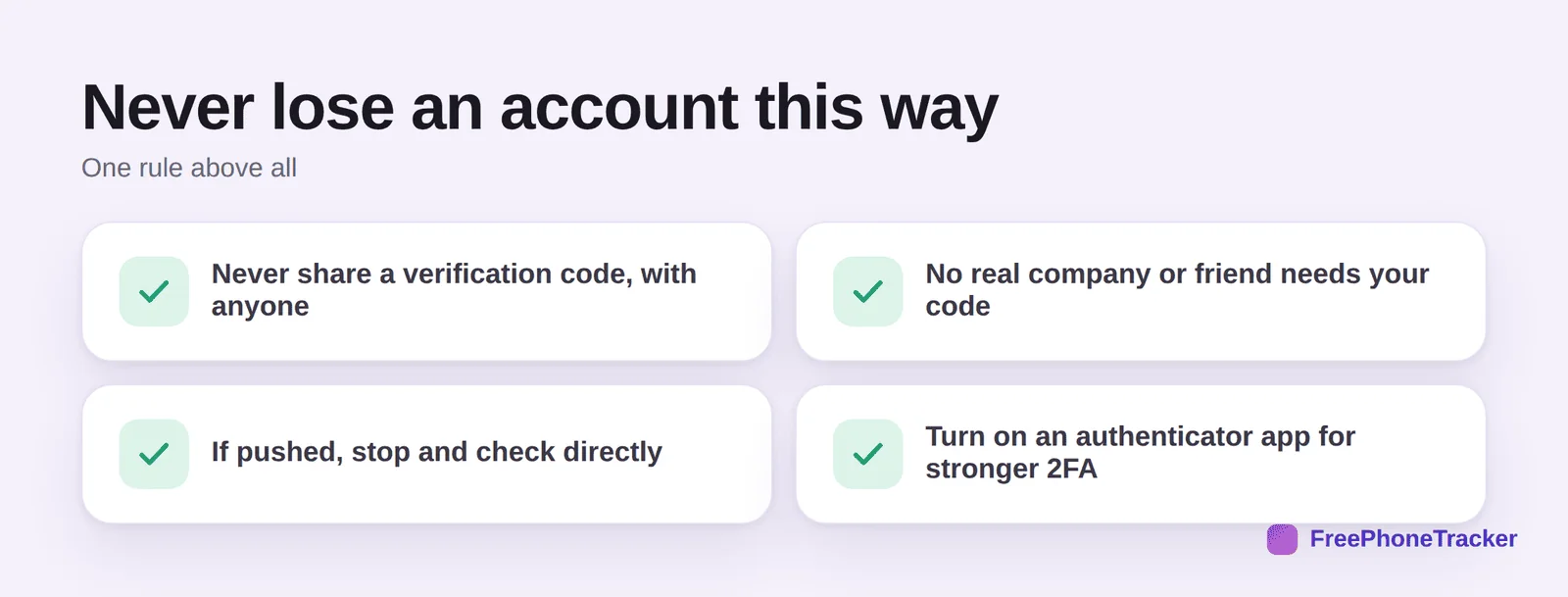
Never share a verification code, with anyone, ever. No real company or friend needs your code, they never will ask. If you’re pushed, stop and check directly through official channels. And use an authenticator app for stronger 2FA that isn’t sent by text at all, per our 2FA guide.
Common questions
Why would someone send me a code and then ask for it?
Because they can’t get the code themselves, it’s sent to your number. The whole scam is engineering you into relaying it. That’s why the request always comes with a plausible story.
I got a code I didn’t request, what does that mean?
Someone is trying to log into one of your accounts and has your password. Don’t share the code, and change that password immediately, then turn on stronger 2FA.
What if it looks like it’s from a friend?
Their account may be hacked and used to ask you. Verify through another channel before doing anything. A real friend won’t need your verification code.
Are authenticator apps safer than SMS codes?
Yes. Authenticator codes live on your device and aren’t sent by text, so they can’t be intercepted or “forwarded.” See our 2FA guide.
My account was taken this way, what now?
Recover it fast and secure it. Our email, Instagram and WhatsApp recovery guides walk through it.
Text-code scams work by turning you into the key, so the defense is simple and absolute: never share a verification code, no matter who asks or how urgent it seems. Add an authenticator app and you close the door for good. Get started free, and read our guides to two-factor authentication and recovering a hacked account.