Articles
Practical, plain-English guides for parents: phone safety, screen time, app settings and what to do when something feels off.
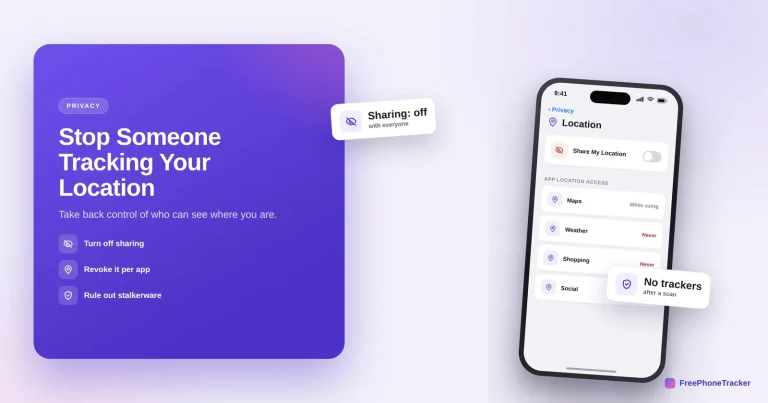
How to Stop Someone From Tracking Your Location
Take back control of who can see where you are — turn off sharing, revoke app access, secure your accounts, and rule out stalkerware.
Read the guide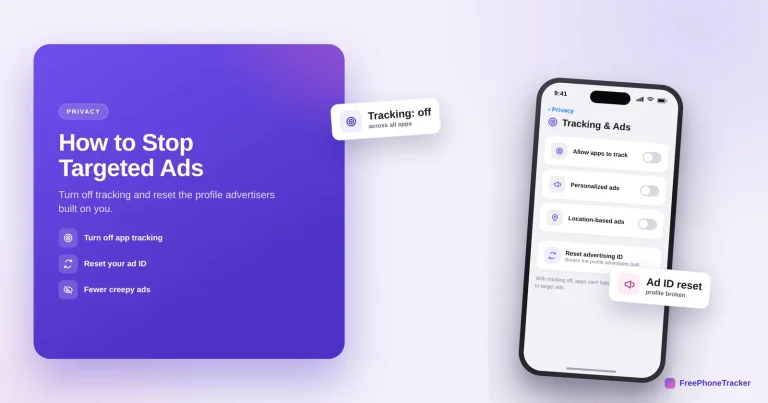
How to Stop Targeted Ads on Your Phone
Turn off app tracking, reset your advertising ID and switch off personalized ads to break the profile advertisers built — on iPhone and Android.
Read the guide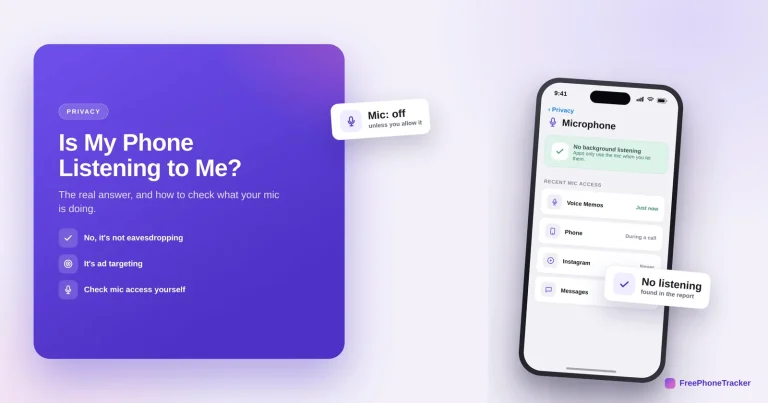
Is My Phone Listening to Me? What’s Real
The real reason ads feel like eavesdropping — it's tracking, not a hidden mic — and how to check exactly what your microphone is doing.
Read the guide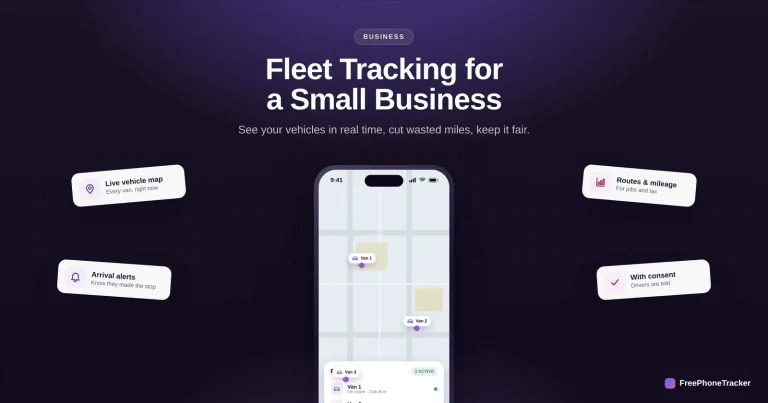
How to Set Up Fleet Tracking for a Small Business
Live vehicle locations, arrival alerts and mileage records — with a phone app or a simple GPS unit, no big contract — plus how to keep drivers on side.
Read the guide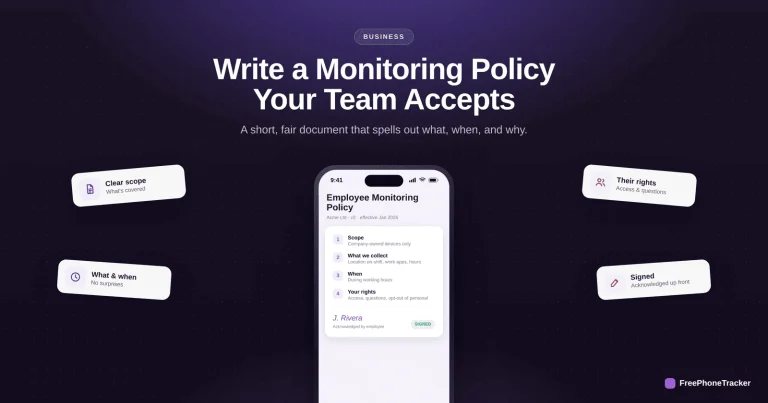
How to Write an Employee Monitoring Policy Your Team Accepts
A short, fair monitoring policy that spells out scope, what you collect, when, and employees' rights — written plainly, and acknowledged up front.
Read the guide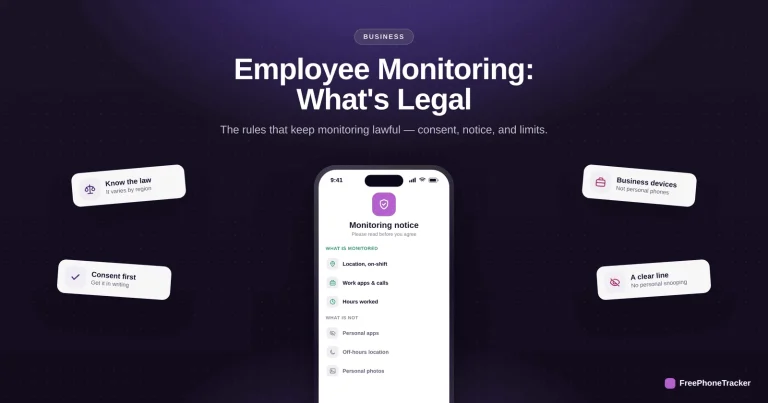
Employee Monitoring: What’s Legal and What Isn’t
Consent, notice, a legitimate purpose and proportionality — the four essentials that keep employee monitoring lawful, and the overreach that gets companies sued.
Read the guide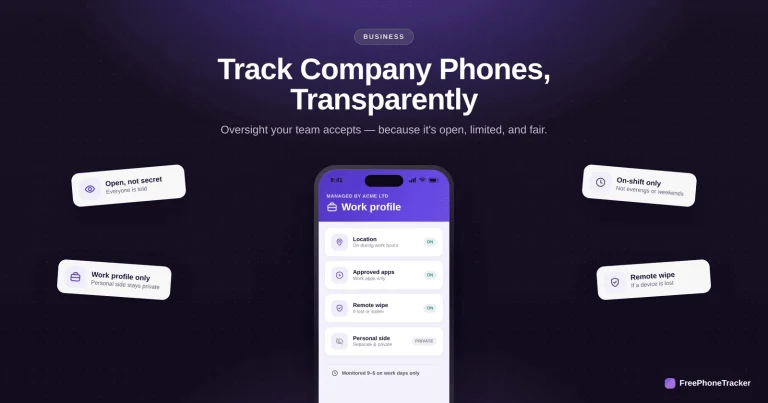
How to Track Company Phones Legally and Transparently
Monitor company-owned phones the right way — openly, with consent, limited to work — so oversight protects the business without wrecking your team's trust.
Read the guide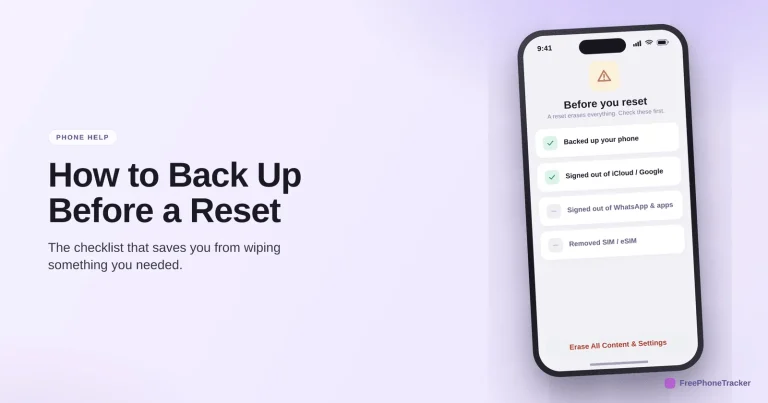
How to Back Up Before a Factory Reset
The checklist that saves you from wiping something you needed — a confirmed backup, signing out to avoid activation lock, and saving your 2FA before you erase.
Read the guide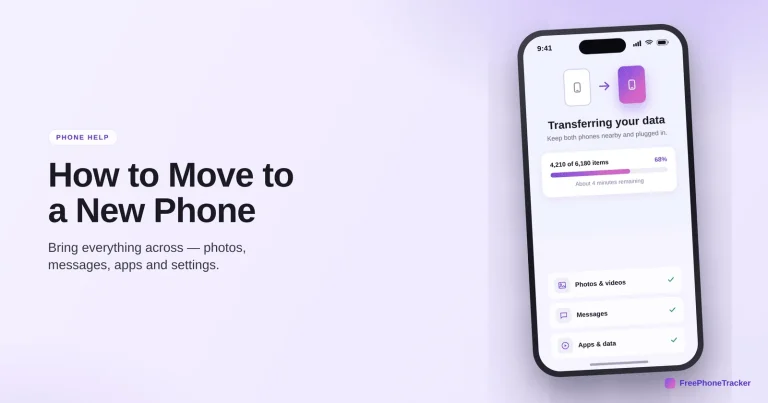
How to Move to a New Phone
Bring everything across to a new phone — photos, messages, apps and settings — plus the few things people always forget: authenticator codes, WhatsApp and the SIM.
Read the guide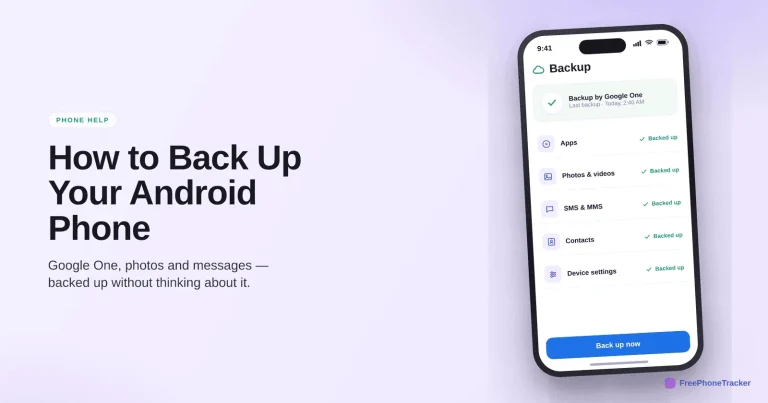
How to Back Up Your Android Phone
Turn on Backup by Google One, keep Google Photos backing up, and confirm it runs — so a new phone restores itself with your apps, messages and photos intact.
Read the guideSee what your child's phone is really up to
Free to set up, transparent by design, and running on your child's Android phone in about two minutes.