TikTok is the app that swallows hours. An endless feed of short videos, tuned by an algorithm that learns fast and rarely lets go. Parents worry about two things above all: what the algorithm shows a child, and how much time it eats. Both are real. Both are manageable. Here’s what TikTok actually is, the risks worth your attention, the settings that make it safer, and whether it’s okay for your kid.
- Minimum age is 13. There’s a separate under-13 experience with no posting or messaging.
- The main risks are the algorithm’s reach and the sheer time-sink, more than messages.
- Family Pairing links your phone to theirs and is the key safety tool.
- Verdict: workable for teens with a private account, Family Pairing and a time limit.
What TikTok actually is
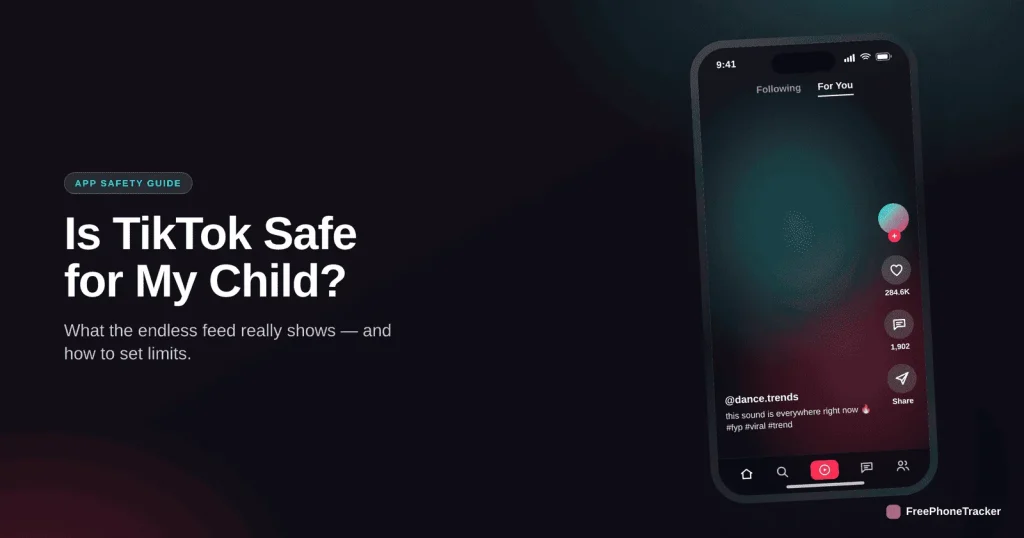
TikTok is a short-video app built around a personalised feed called the For You page. You don’t have to follow anyone; the algorithm decides what you see, and it’s remarkably good at holding attention. Users can post videos, comment, and send direct messages. The genius of the app, an endless stream tuned to each viewer, is also exactly what makes it hard to put down and hard to predict.
The real risks
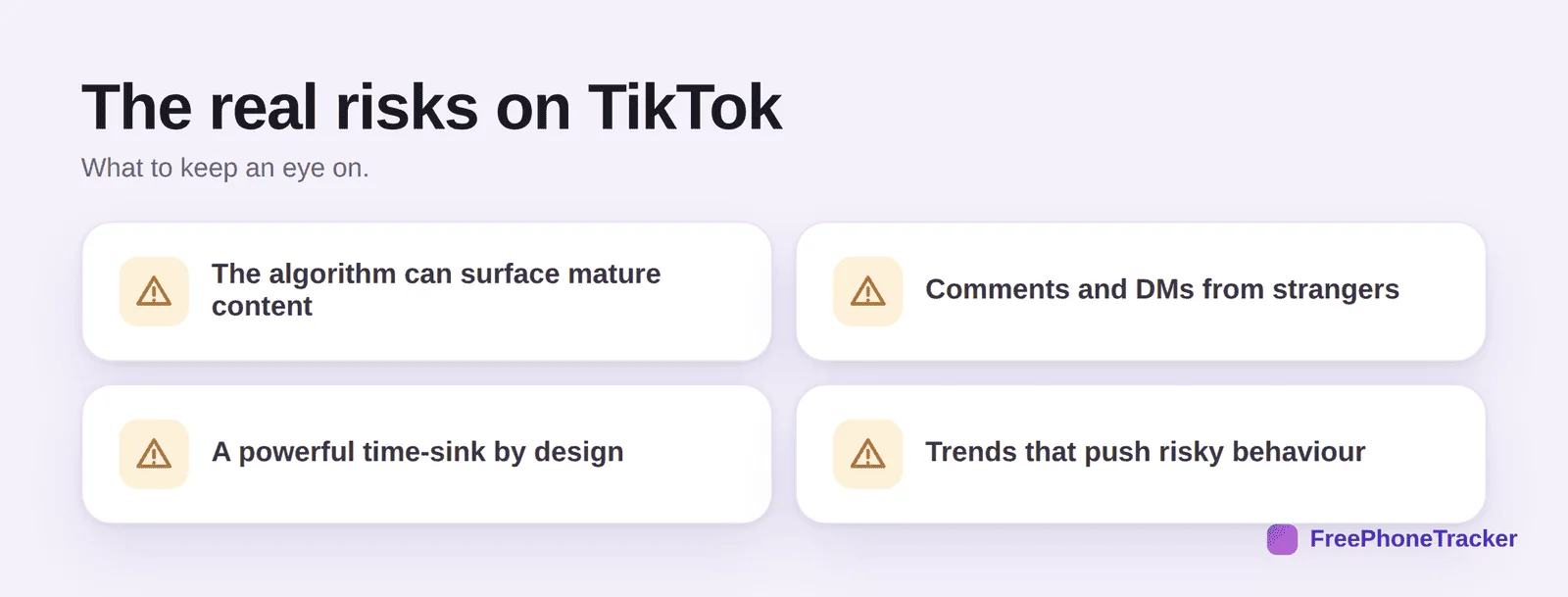
The biggest one is the algorithm. It can drift from harmless videos to mature or harmful content faster than parents expect, without the child searching for anything. Then there’s contact: comments and direct messages from strangers, though DMs are limited for younger teens. There’s the time-sink, which is by design, a feed with no end. And there are trends, most of them silly, a few of them genuinely risky, that spread fast and create pressure to join in.
The age modes, explained
TikTok runs different experiences by age, and it matters which one your child is in. The under-13 mode is heavily limited: curated videos only, no posting, no comments, no direct messages. The 13–15 band defaults to private accounts, with DMs off and content not eligible for the main For You feed. 16–17 loosens further. The catch is that these protections only work if the real birthdate was entered at sign-up. Kids routinely lie about their age to unlock the full app, so check what age the account actually uses, and fix it if it’s wrong. Every other protection depends on it.
Safety settings to change today
TikTok has decent built-in controls, and Family Pairing is the standout. Set these up together with your teen.
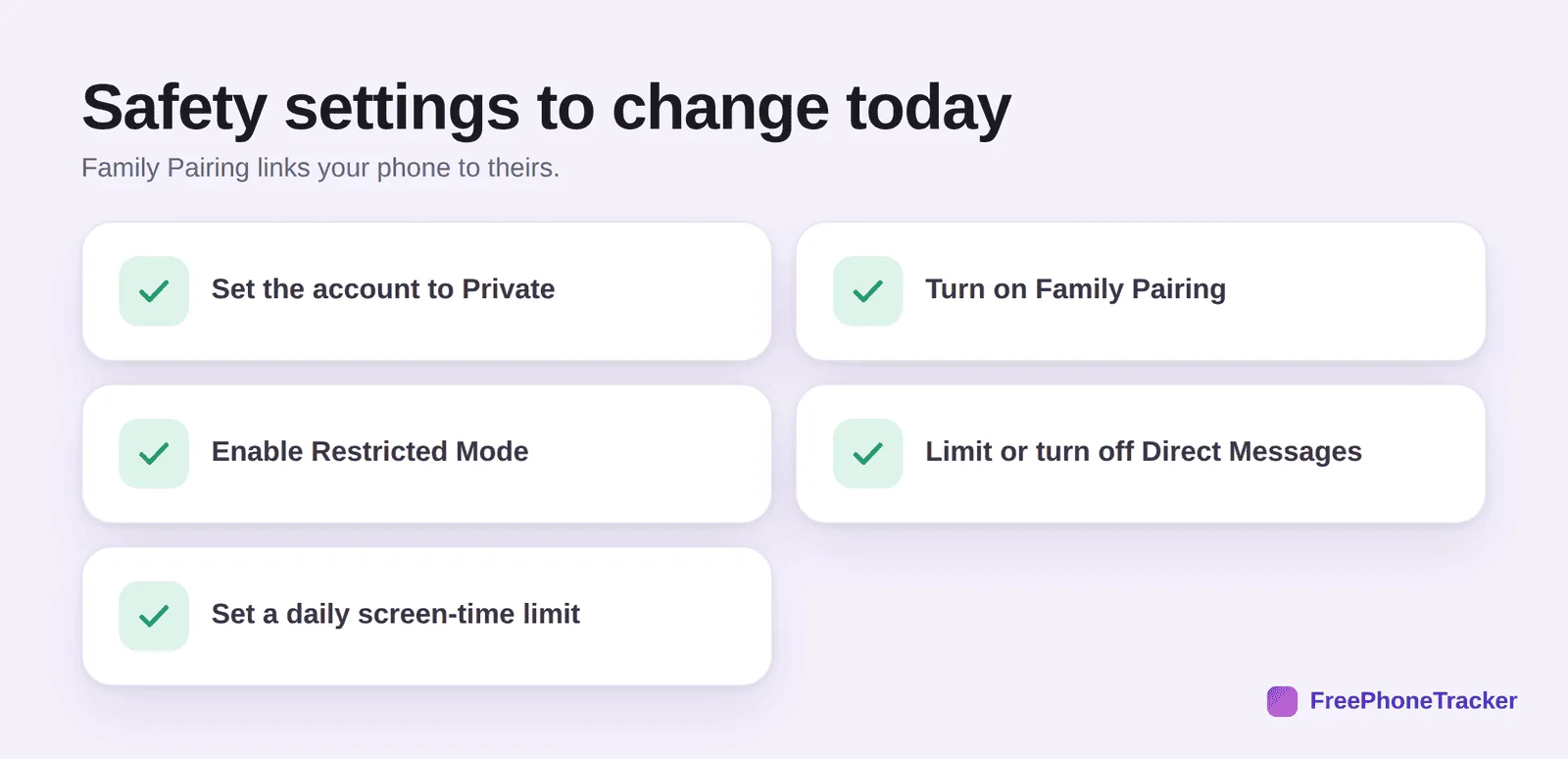
Set the account to Private, so only approved followers see and message them. Turn on Family Pairing, which links your phone to your teen’s and lets you manage screen time, restricted mode and messaging from your own device. Enable Restricted Mode to filter out mature content. Limit or turn off direct messages. And set a daily screen-time limit, either in the app or through your phone’s screen-time controls, which are harder for a determined teen to bypass.
How to monitor TikTok
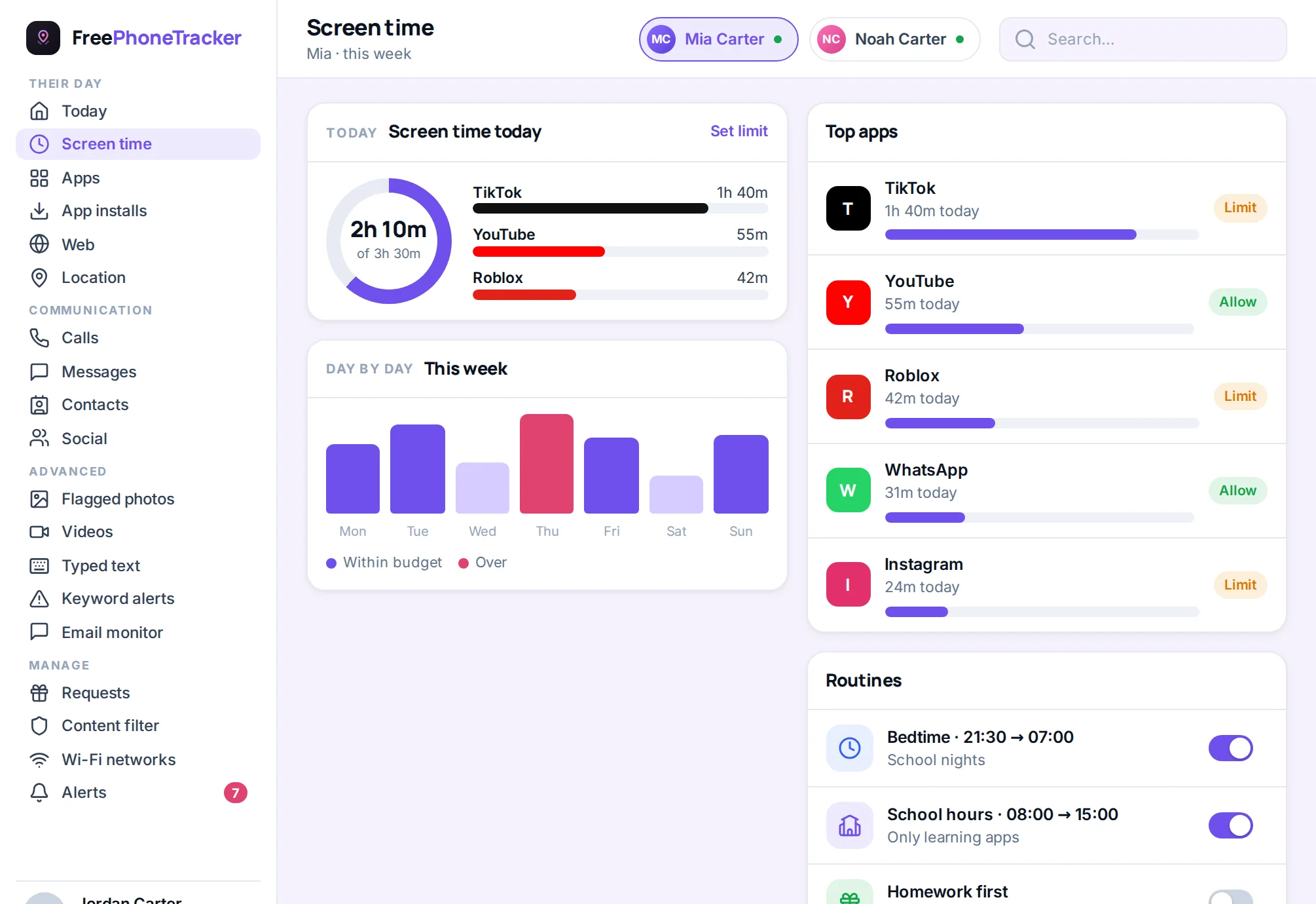
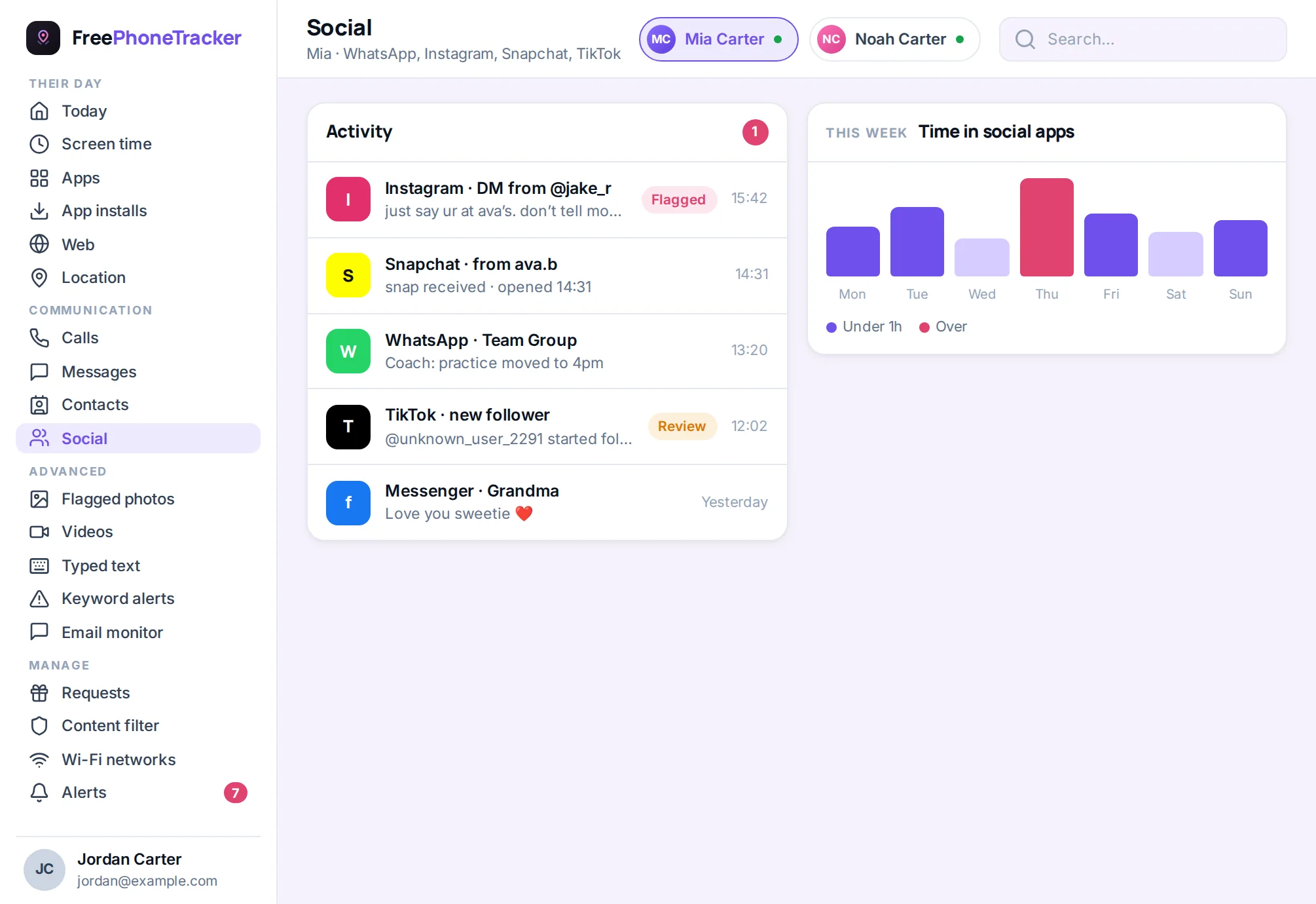
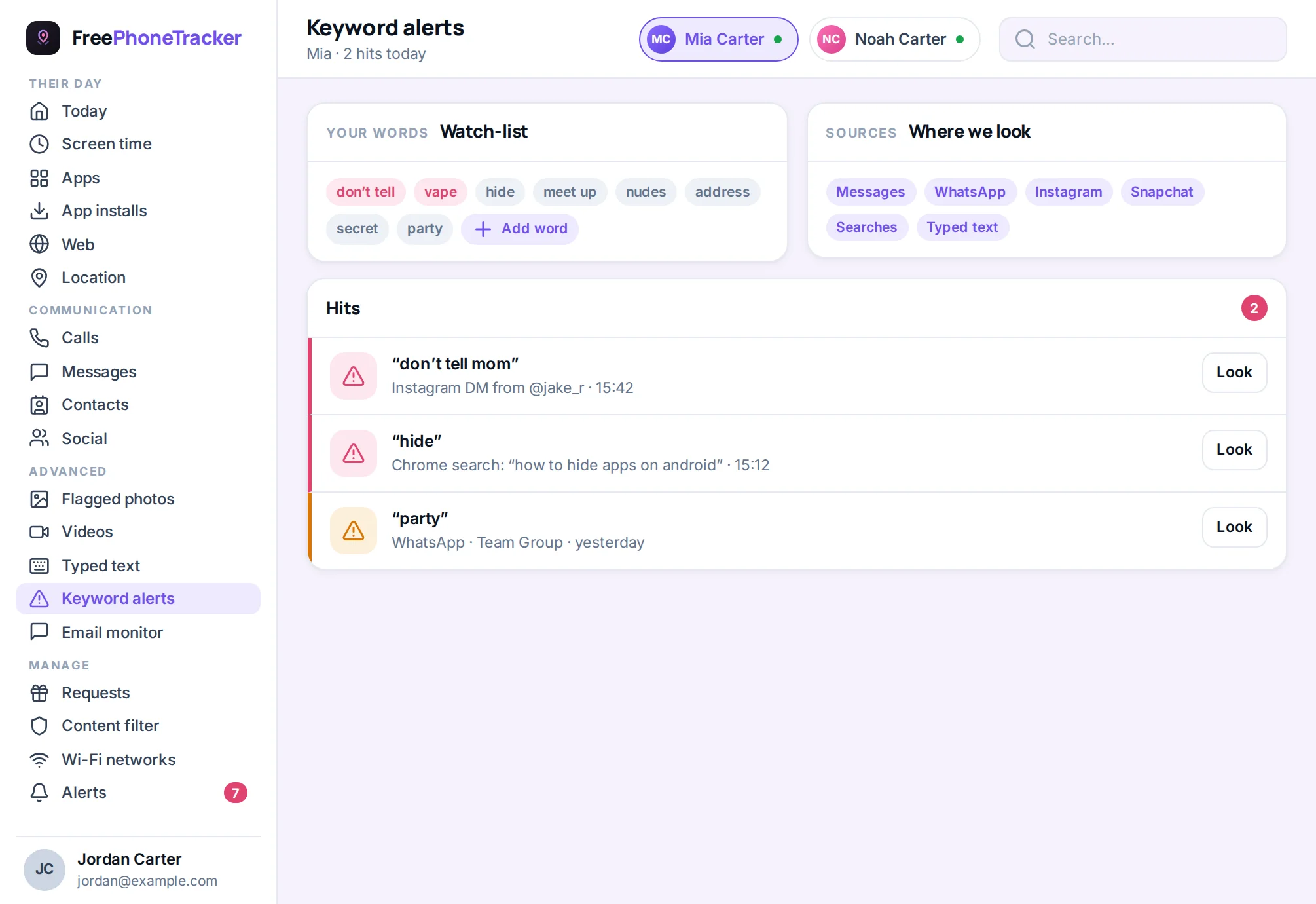
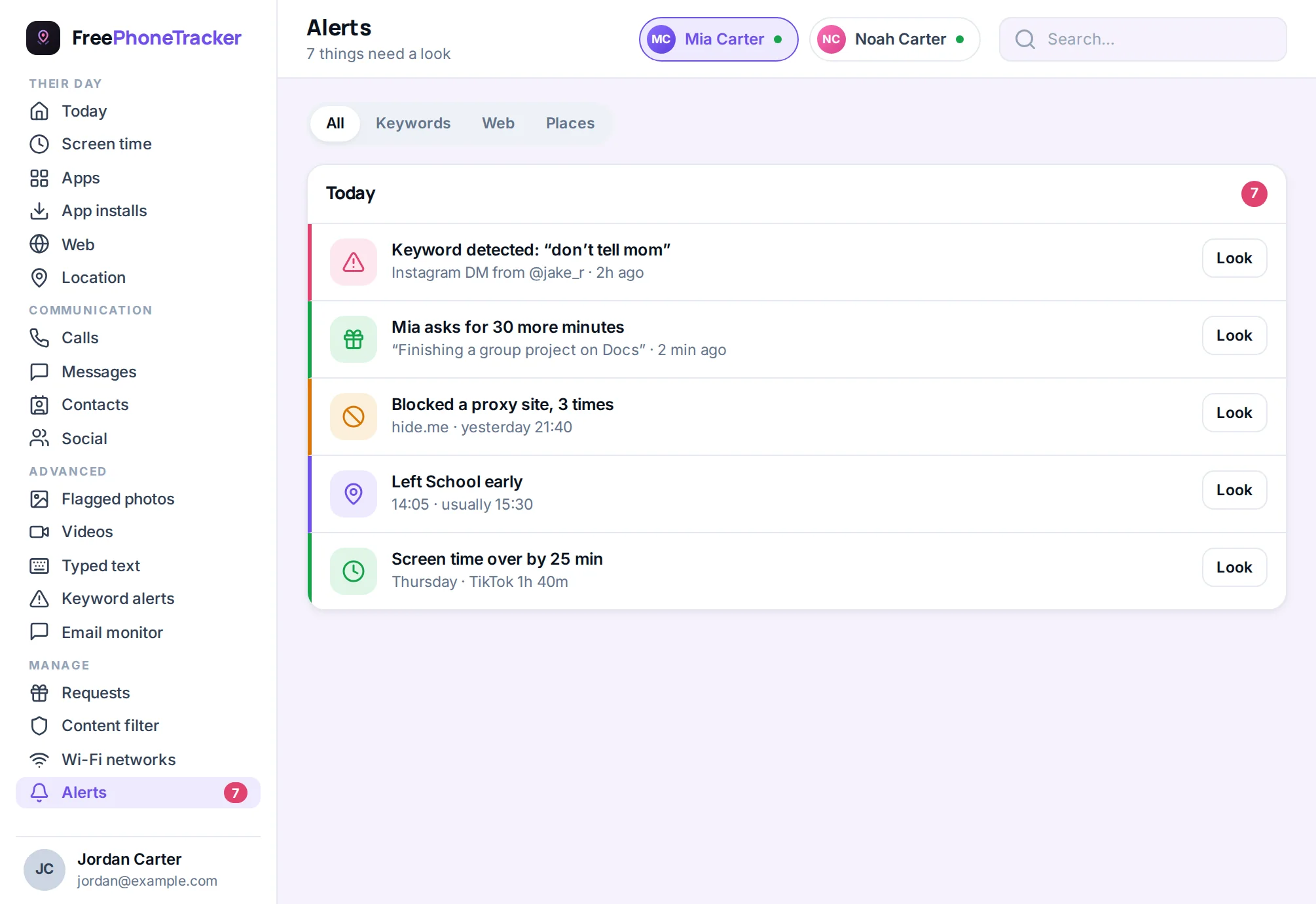
TikTok is less about reading messages and more about time and content. So monitoring here leans on screen-time limits and app-usage visibility rather than message capture. That said, keyword alerts still help flag concerning DMs or comments, and the alerts feed keeps you posted on new contacts and unusual activity.
Honestly, the most valuable “monitoring” for TikTok is a conversation about the feed. Ask what it’s showing them. Teach them to long-press and tap “Not interested” when something’s off, and to report content that shouldn’t be there. A teen who curates their own feed is safer than one who just scrolls whatever arrives.
Teach them to coach the algorithm
Here’s a skill worth more than any setting: your teen can train their own feed. The algorithm learns from what they watch, like and linger on. So teach them to be deliberate. Long-press a video and tap Not interested when something’s off. Report content that shouldn’t be there. Follow creators who make them feel good and unfollow the ones who don’t. Watching all the way through tells the algorithm “more of this,” so scroll past fast when something’s unhealthy. A teen who curates actively ends up with a very different feed from one who passively scrolls whatever arrives, and it’s a genuine digital-literacy skill they’ll use for life.
The verdict
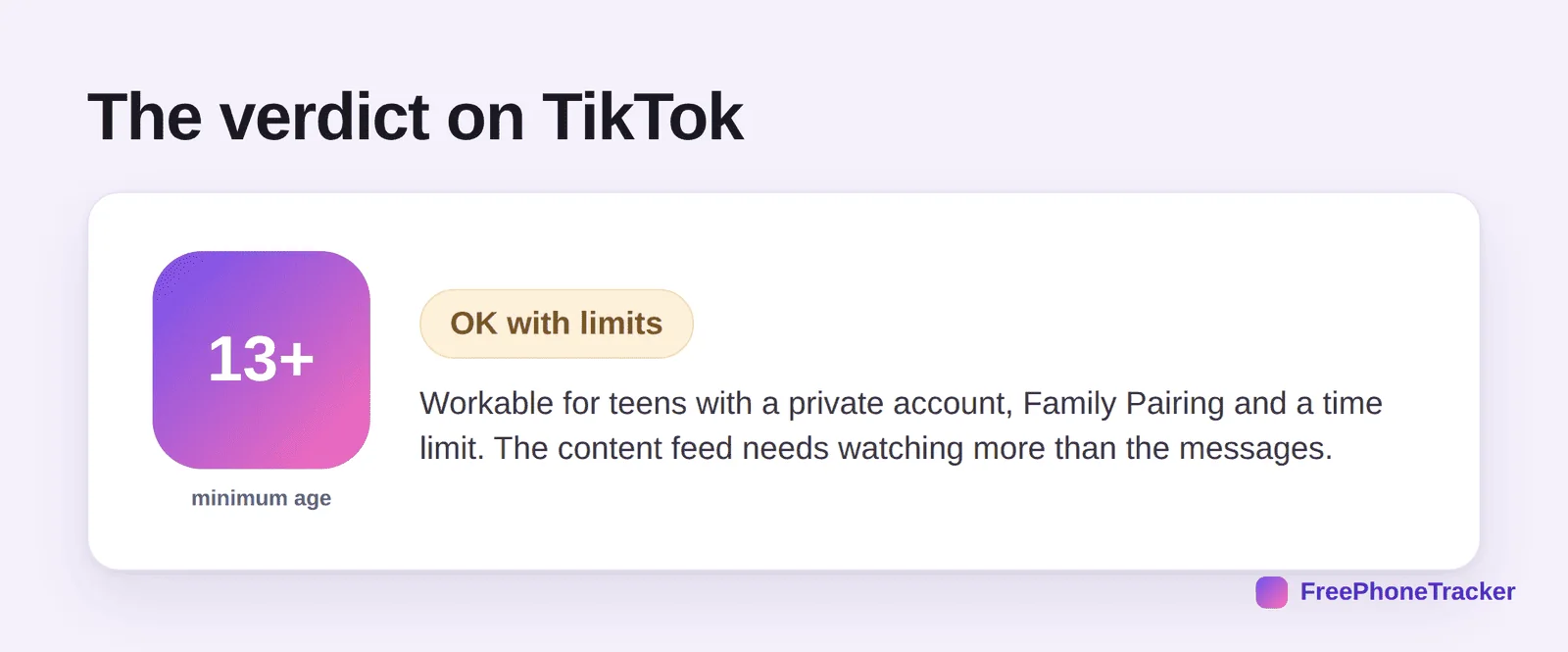
TikTok is workable for teens, provided the account is private, Family Pairing is on, and there’s a firm time limit. The thing to watch isn’t so much who’s messaging them, it’s what the algorithm is feeding them and how many hours it’s taking. Handle those two and TikTok goes from worrying to fine.
Common questions
What age is TikTok safe for?
13 is the minimum for the full app. There’s a limited under-13 mode with no posting or messaging. Even at 13, a private account and a time limit should be non-negotiable.
Can TikTok show my kid inappropriate content?
It can, the algorithm sometimes surfaces mature material. Restricted Mode helps, and teaching your teen to mark content “Not interested” trains the feed away from it. No filter is perfect, so keep talking.
How do I limit time on TikTok?
Use Family Pairing’s screen-time tools, or better, a phone-level daily limit that’s harder to bypass. Our screen time by age guide has age-based targets.
Is Family Pairing enough on its own?
It’s a great start and covers time, restricted mode and messaging. For a fuller picture, or a specific concern, pair it with social monitoring and alerts.
Should I just ban it?
Usually not. A ban tends to push kids onto a friend’s phone or a secret account. Guiding them to use it well, with limits and honest chats about the feed, protects them better. See keeping kids safe on social media.
So, is TikTok safe? For a teen with a private account, Family Pairing and a real time limit, yes, with the feed being the thing to watch, not the inbox. Set those up, keep talking about what it shows them, and TikTok becomes a manageable part of teen life rather than a black hole. Get started free to add screen-time limits and alerts today.