WhatsApp is how a lot of families and friend groups stay in touch, which is exactly why kids end up on it. It’s simpler and less public than most social apps, but it isn’t risk-free: strangers can add your child to group chats, message them by phone number, and messages can be set to disappear. Is it safe? For a teen, with the privacy settings locked down, yes. Here’s what to know and what to change.
- Minimum age is 13 in most regions (16 in parts of Europe).
- The main risks: being added to stranger group chats and contact by phone number.
- Privacy settings, especially “who can add me to groups”, do the heavy lifting.
- Verdict: fine for teens with privacy locked; not for young kids.
What WhatsApp actually is
WhatsApp is a messaging app: private chats, group chats, voice and video calls, and status updates that vanish after 24 hours. It’s tied to a phone number rather than a public profile, which makes it feel more private than social apps. That’s largely true, but “tied to a phone number” is also the doorway, because anyone with the number, or anyone in a shared group, can reach your child.
The real risks
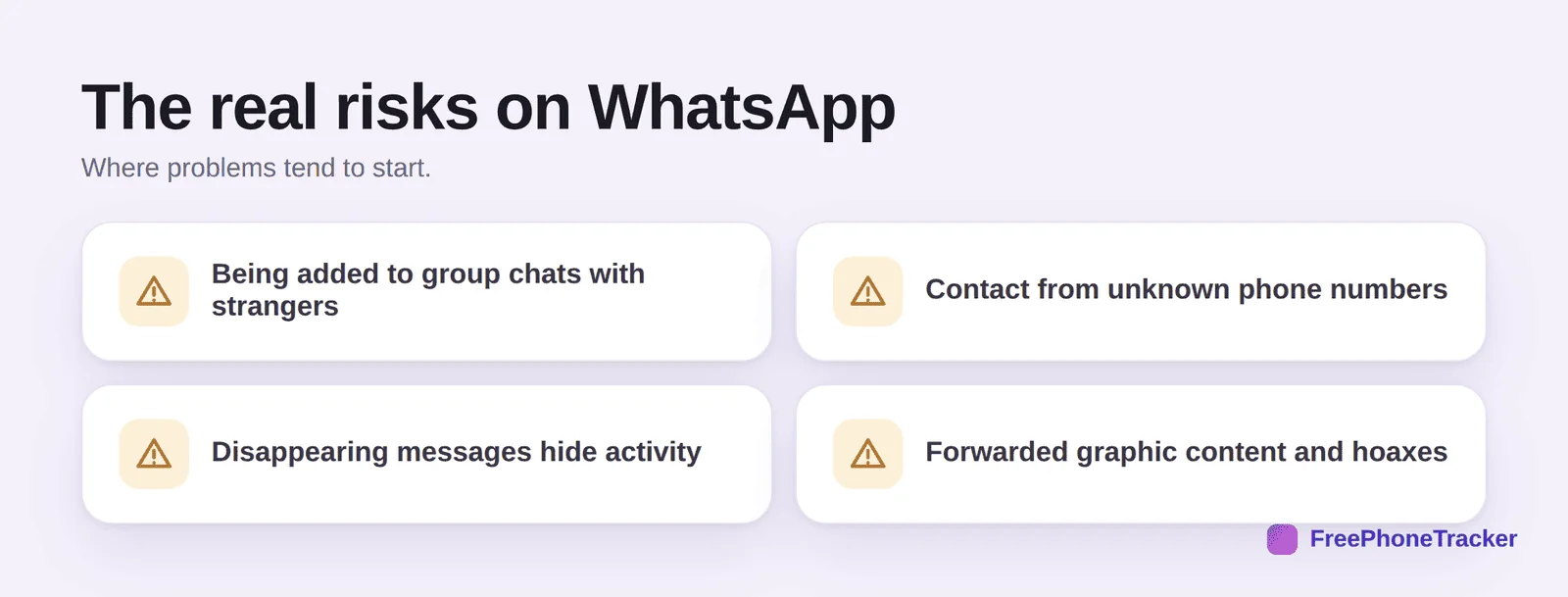
Group chats are the main one: your child can be added to a group by anyone who has their number, exposing them to strangers and whatever gets posted. Unknown numbers can message directly. Disappearing messages can be switched on to hide a conversation. And forwarded content, graphic images, scams and hoaxes, spreads fast through chains, often landing in a kid’s chat without warning.
Safety settings to change today
WhatsApp’s privacy settings are genuinely good once you change them from the defaults. Do these together with your teen.
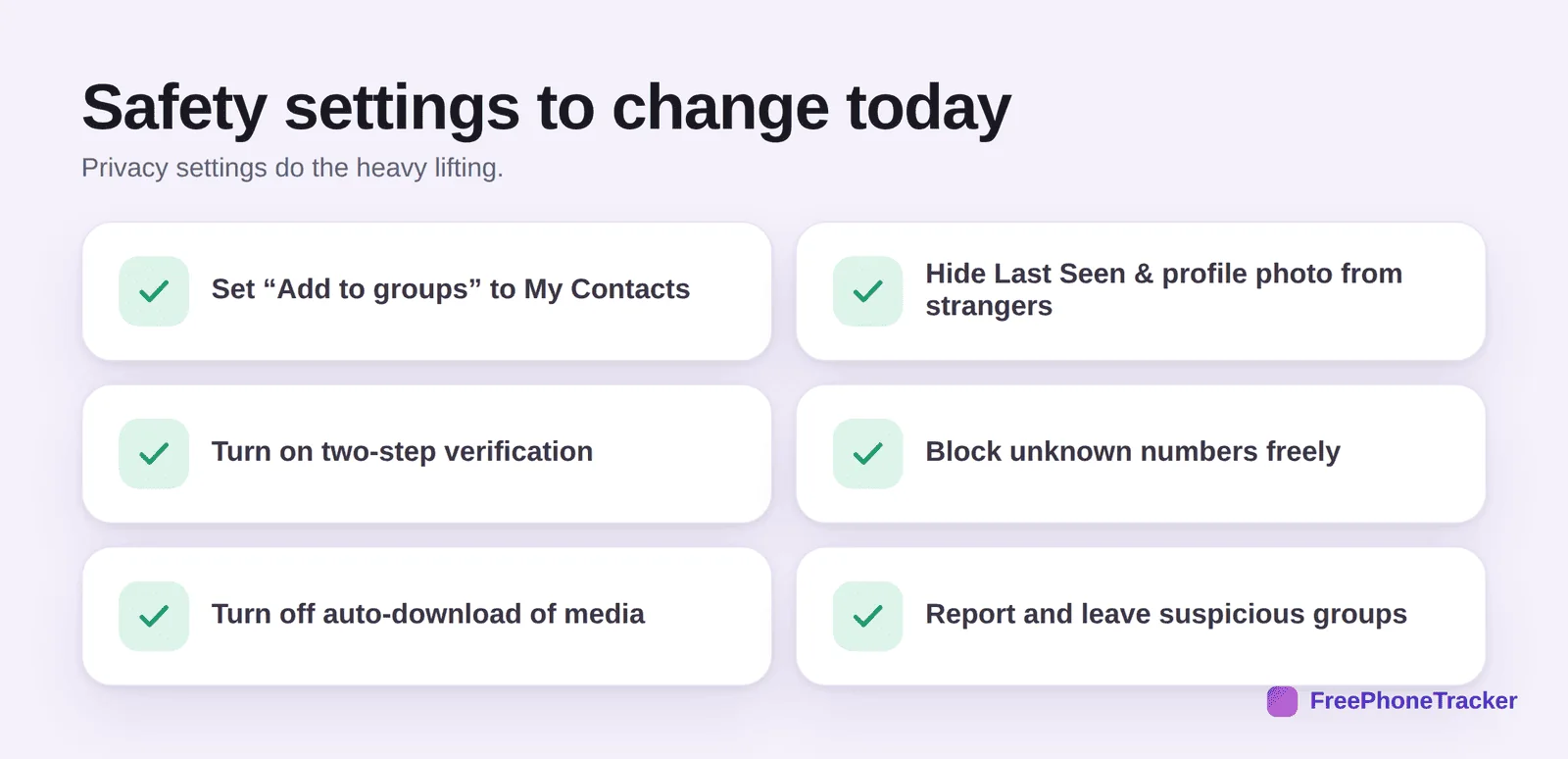
Set Add to groups to My Contacts, so strangers can’t drag your child into group chats. Hide Last Seen, profile photo and About from people who aren’t contacts. Turn on two-step verification to protect the account. Encourage them to block unknown numbers freely. Turn off auto-download of media so graphic forwards don’t land automatically. And leave and report any group that feels off.
Groups, Communities and Channels
WhatsApp is more than one-to-one chats now, and the newer features change the risk picture. Groups are the classic shared chats, and the main way strangers reach in. Communities bundle many groups together under one umbrella, so joining one can expose your child to a much larger crowd than they expect. Channels are one-way broadcasts they can follow, more like a news feed, and a route to content you haven’t vetted. The practical takeaway is the same for all three: keep group-adding limited to contacts, and talk about the fact that “a group” can quietly mean hundreds of strangers, not just a few friends.
How to monitor WhatsApp
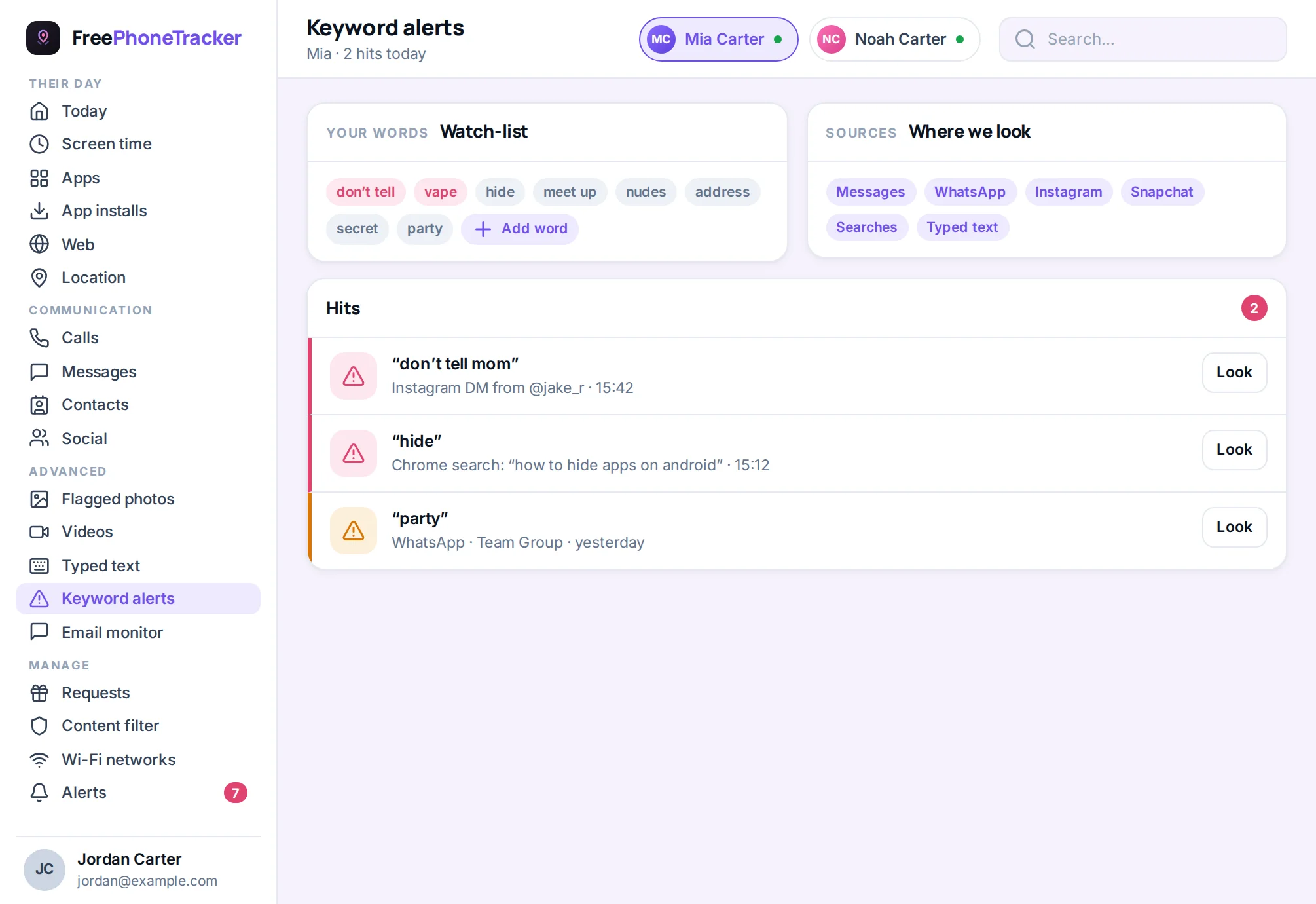
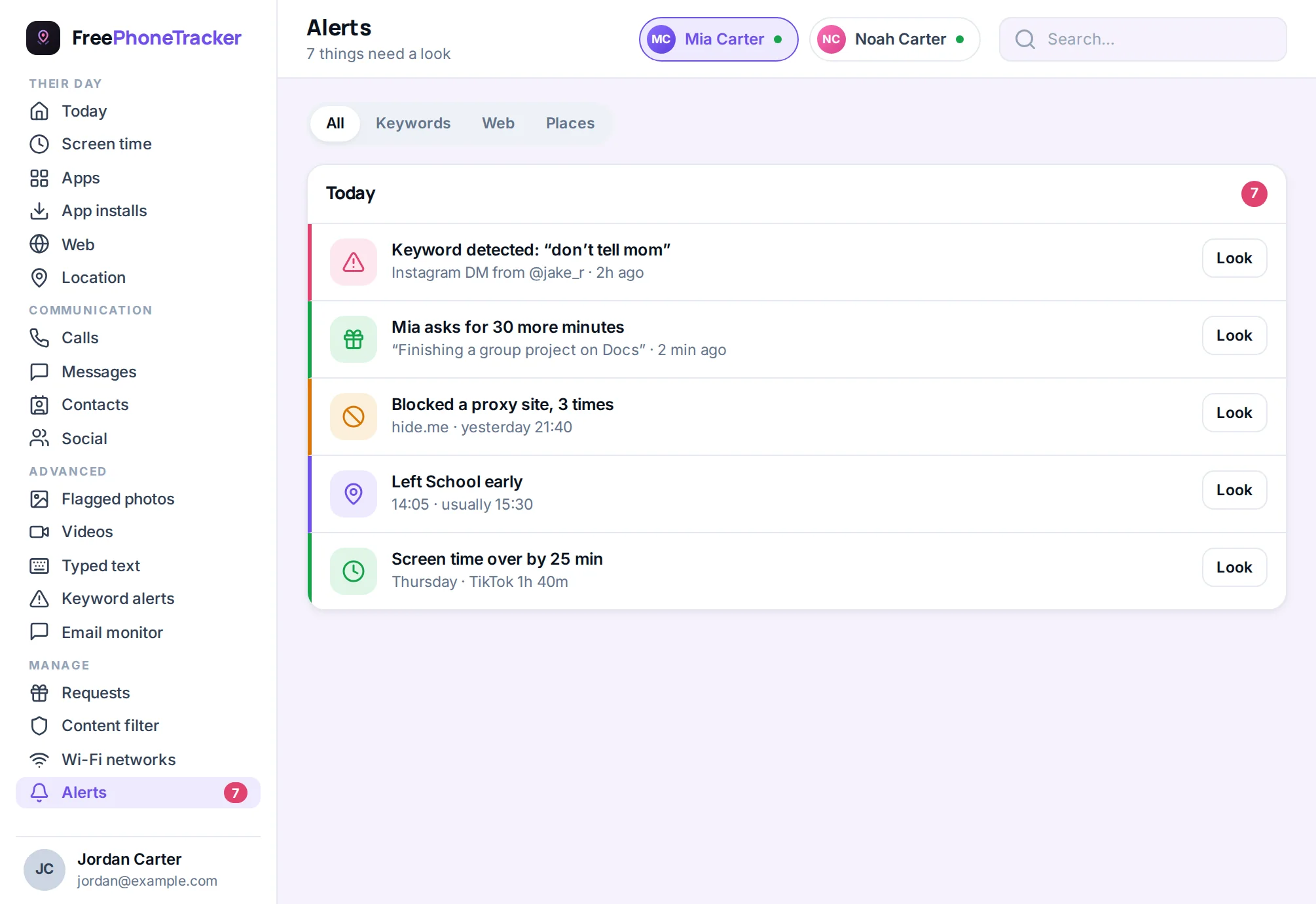
Because WhatsApp is message-based, monitoring here is about catching concerning conversations, not content feeds. On Android, keyword alerts flag worrying phrases, and activity monitoring gives you a picture without reading every chat.
Keep it light and honest. WhatsApp is often where the family and close friends live, so most of it is exactly the harmless chatter you’d expect. The point of a light watch is the rare message that isn’t, contact from an unknown adult, a scam, a bullying thread, not the day-to-day.
The verdict
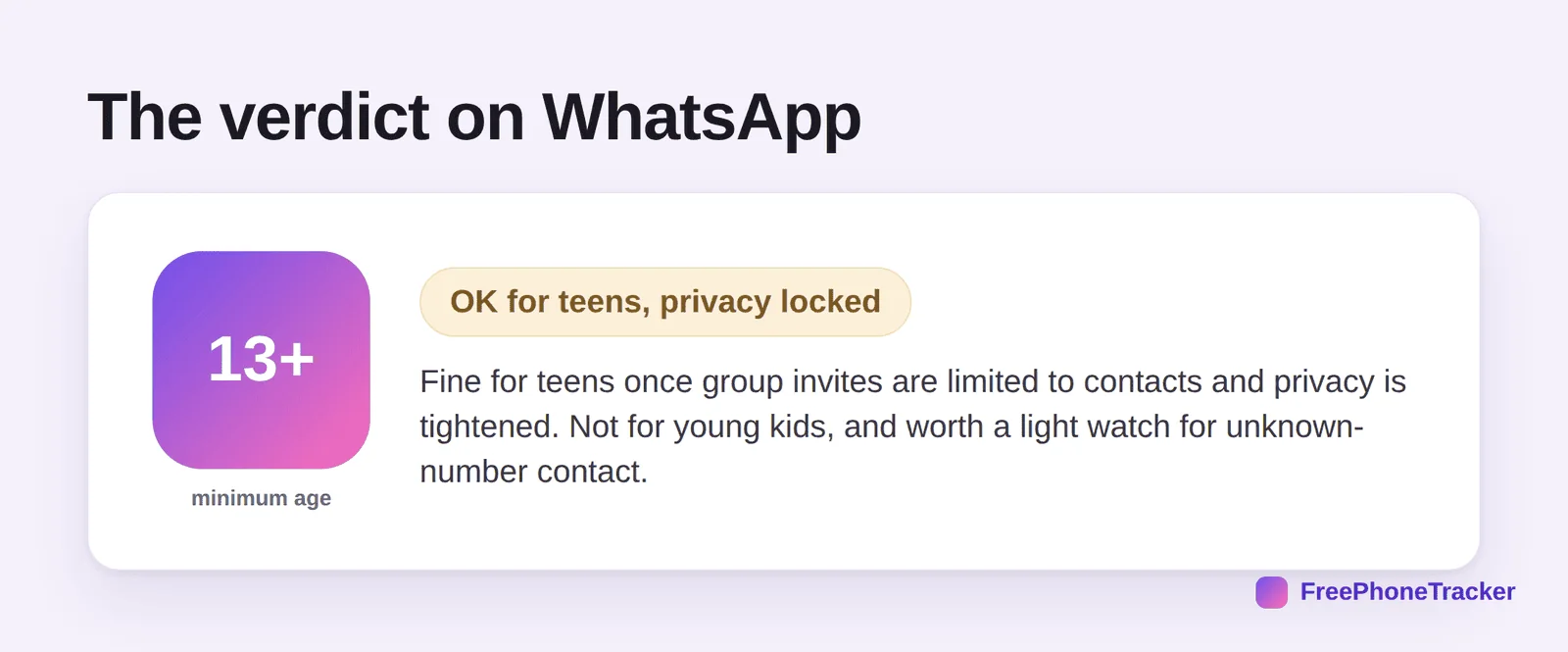
WhatsApp is fine for teens once you’ve limited group invites to contacts and tightened the privacy settings. It’s less public and less algorithm-driven than social apps, which works in its favour. The thing to watch is unexpected contact, an unknown number or a stranger in a group, so a light, honest watch for those is worth having. It’s not for young children.
Common questions
What age is WhatsApp safe for?
The minimum is 13 in most places, and 16 in parts of Europe. Even at 13, lock the privacy settings down first. It’s not designed for young children.
Can strangers add my child to group chats?
By default, yes, anyone with their number can. Change “Add to groups” to My Contacts and that risk largely disappears. This is the single most important setting.
Are disappearing messages a problem?
They can hide activity from you. You can’t fully capture them, but keyword alerts on Android catch some notification text. Mostly, treat their presence as a prompt for a conversation about why a chat needs to vanish.
Is WhatsApp safer than other social apps?
In some ways, yes, it’s private, encrypted and not algorithm-driven, so less of the doom-scroll and comparison risk. The trade-off is you have less visibility, which is why the privacy settings matter so much.
How do I bring up monitoring?
Openly, as safety. Our guide on monitoring a teen respectfully covers the conversation, and keeping kids safe on social media gives the wider view.
So, is WhatsApp safe? For a teen with group invites limited to contacts and privacy locked down, yes, and it’s one of the calmer apps they’ll use. Watch for unexpected contact rather than the family banter, keep it honest, and WhatsApp stays a place to keep in touch, not a worry. Get started free to add a light safety net today.