Articles
Practical, plain-English guides for parents: phone safety, screen time, app settings and what to do when something feels off.
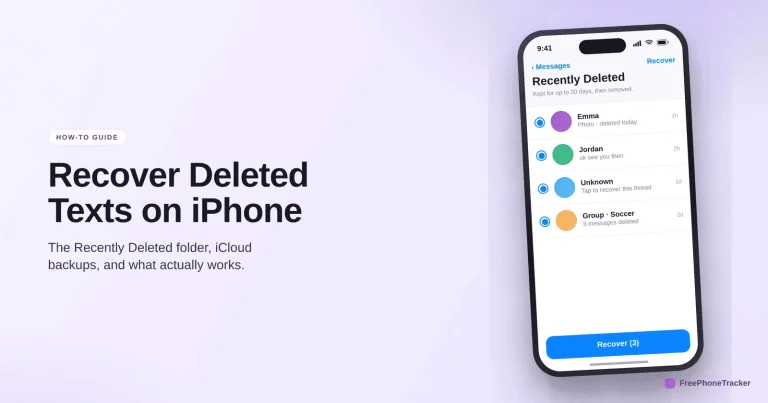
How to Recover Deleted Text Messages on iPhone
Check Recently Deleted, a synced device and an iCloud backup — in the right order — to get deleted iPhone texts back, and how to keep a copy that survives a delete.
Read the guide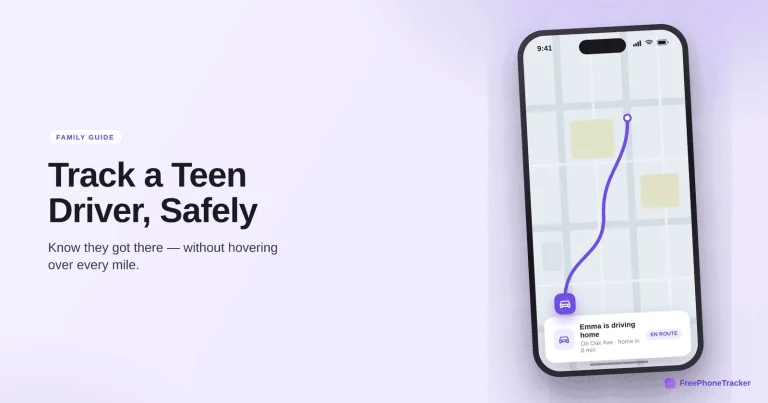
How to Track a Teen Driver Safely
An honest look at what location tracking can and cannot do for a new driver, the ground rules that matter more than any app, and how to set it up together.
Read the guide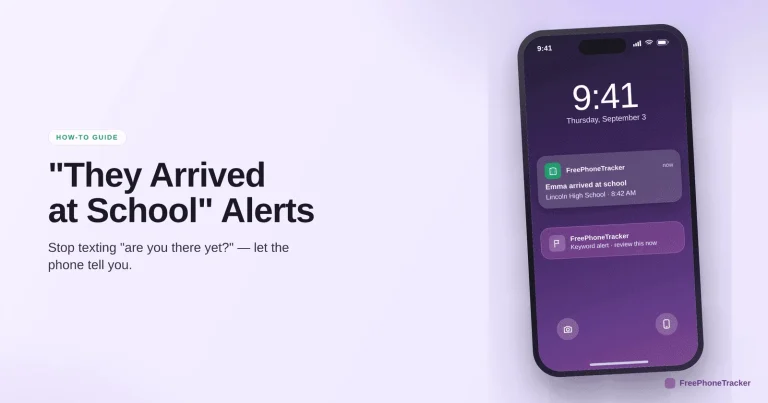
How to Get Alerts When Your Child Arrives at School
Replace the daily "are you there yet?" text with automatic arrival alerts — set them for school and home, choose who they are for, and stop watching the map.
Read the guide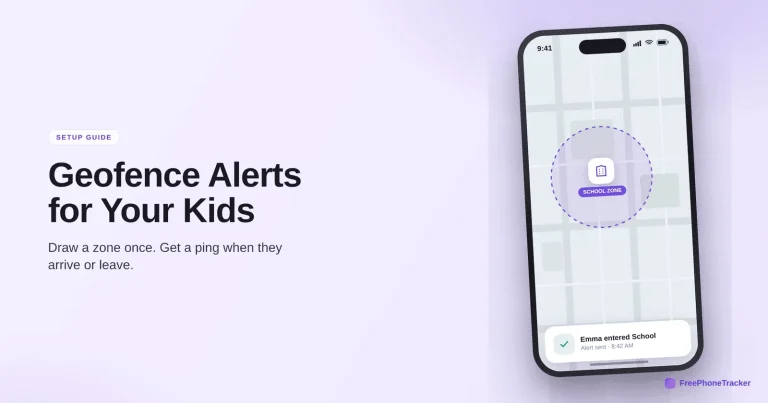
How to Set Up Geofence Alerts for Your Kids
How geofencing works, which zones are worth setting (home, school, off-limits areas), and how to set up enter/leave alerts so you stop watching the map.
Read the guide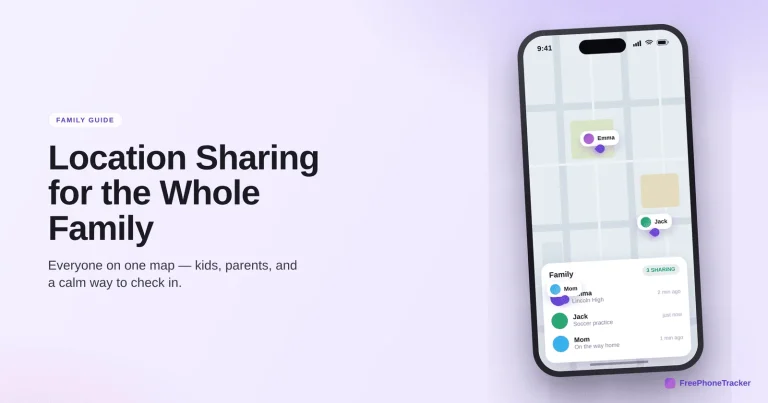
How to Set Up Location Sharing for the Whole Family
Get the whole family on one live map, across iPhone and Android — live location, place history, arrival alerts and low-battery warnings, set up openly.
Read the guide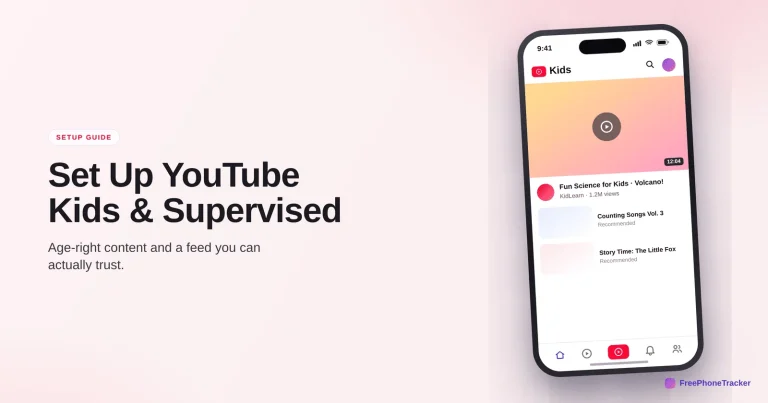
How to Set Up YouTube Kids and Supervised Accounts
Choose between YouTube Kids and a supervised account by age, pick a content level, kill autoplay, and set the timers that keep the feed age-right.
Read the guide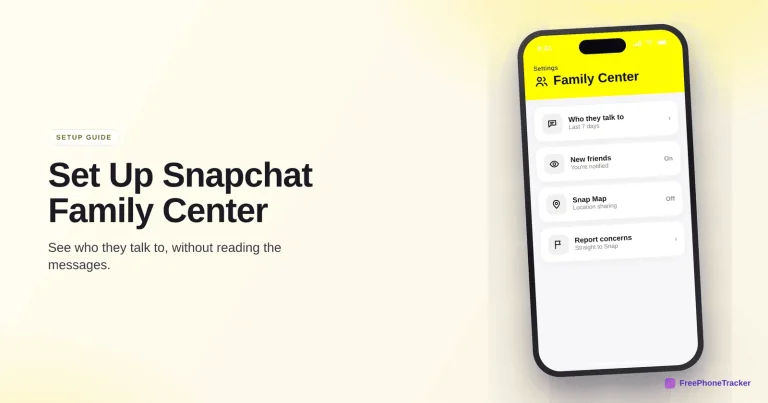
How to Set Up Snapchat Family Center
See who your teen talks to on Snapchat without reading their messages, turn on Ghost Mode for Snap Map, and learn where Family Center stops.
Read the guide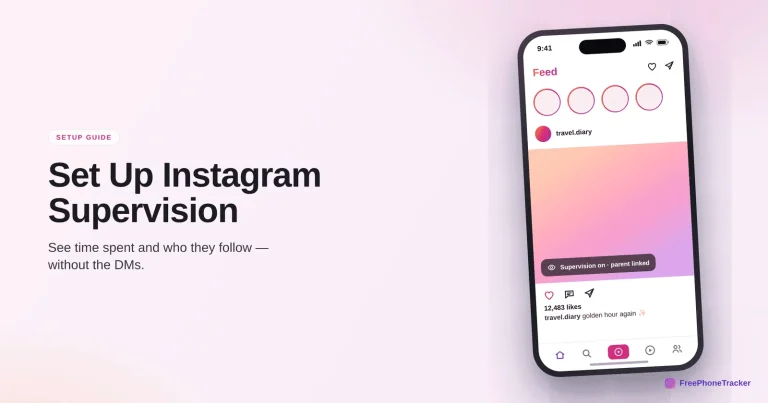
How to Set Up Instagram Supervision
Link accounts to see time spent and who they follow, set daily limits, and understand where Supervision helps and where a dedicated app fills the gaps.
Read the guide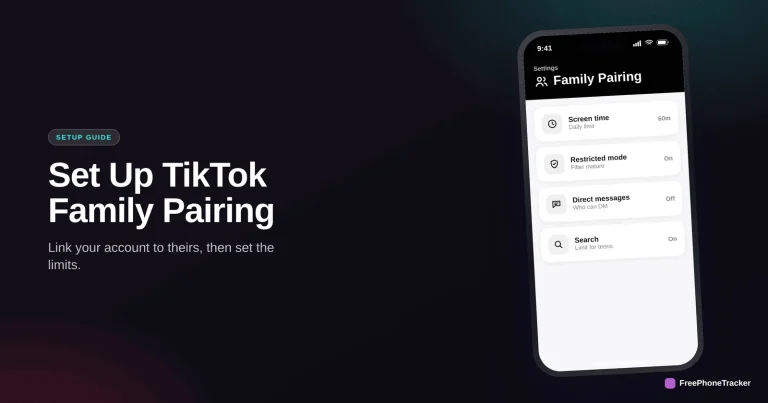
How to Set Up TikTok Family Pairing
Link your account to your teen's, then set screen time, Restricted Mode and DM limits — plus where Family Pairing stops and a dedicated app fills in.
Read the guide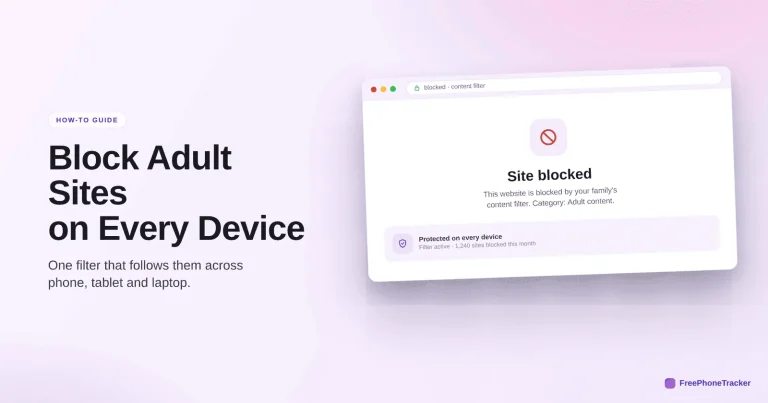
How to Block Adult Websites on Every Device
The three-layer approach — device, network and app — that reliably blocks adult content on phones, tablets, consoles and TVs, at home and away.
Read the guideSee what your child's phone is really up to
Free to set up, transparent by design, and running on your child's Android phone in about two minutes.