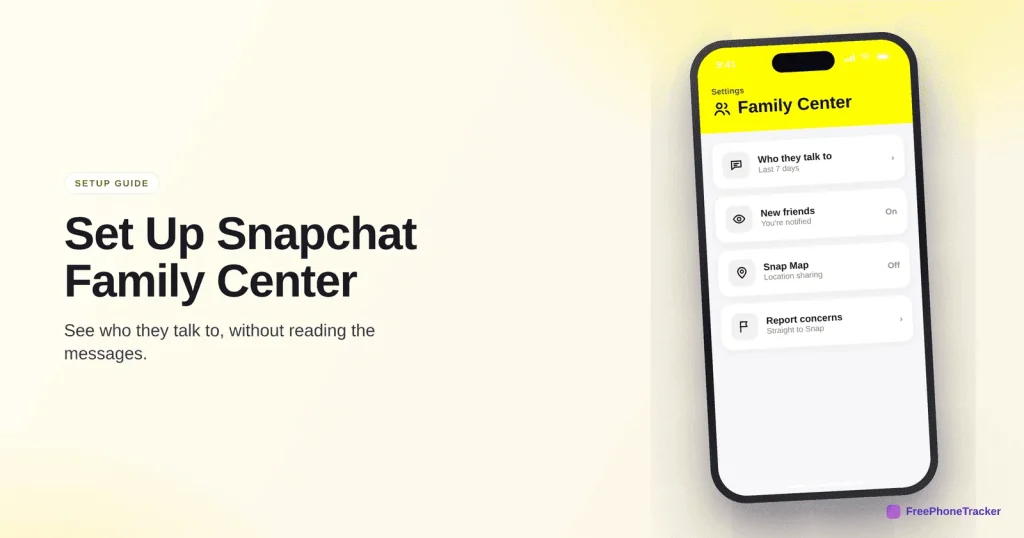
Snapchat worries parents for good reason: messages disappear, and Snap Map can share a live location. The good news is Snapchat has a built-in parental tool, Family Center, that lets you see who your teen talks to, without reading a single message. This guide walks through linking it and switching on the parts that matter, then shows where Family Center stops.
- Family Center links your Snapchat to your teen’s so you can see their contacts, not their messages.
- See who they’ve messaged in the last week and who they’ve added recently.
- It’s free and built in — add your teen from the Family Center menu.
- Family Center shows contacts; a dedicated app adds keyword alerts and cross-app visibility.
What Family Center is
Family Center is Snapchat’s own parental tool. You link accounts, then see who your teen is talking to, without seeing the content. It’s a privacy-respecting middle ground: you get the contacts and the patterns, they keep the words. Your teen has to accept the invite, so it’s built for an open setup.
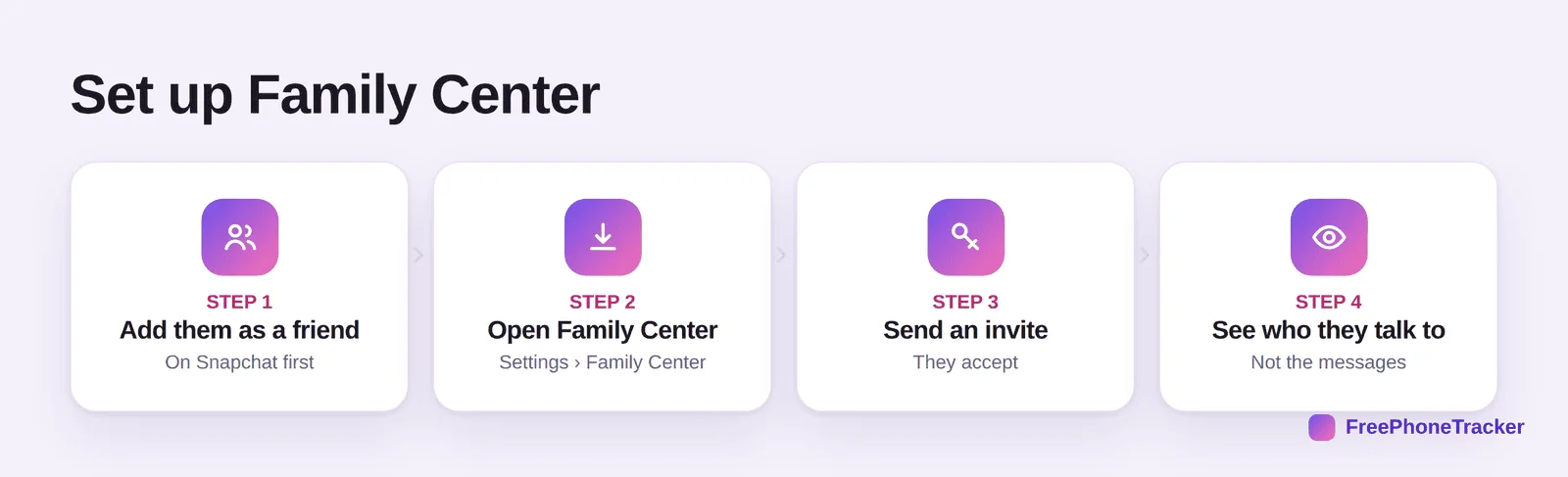
The flow: open your profile, go to Settings › Family Center, and add your teen by username or QR. Once they accept, you can see their recent contacts and friends. You review it from your own phone.
What Family Center controls
Once linked, you get a clear view of the social side of Snapchat, which is the part that matters most.
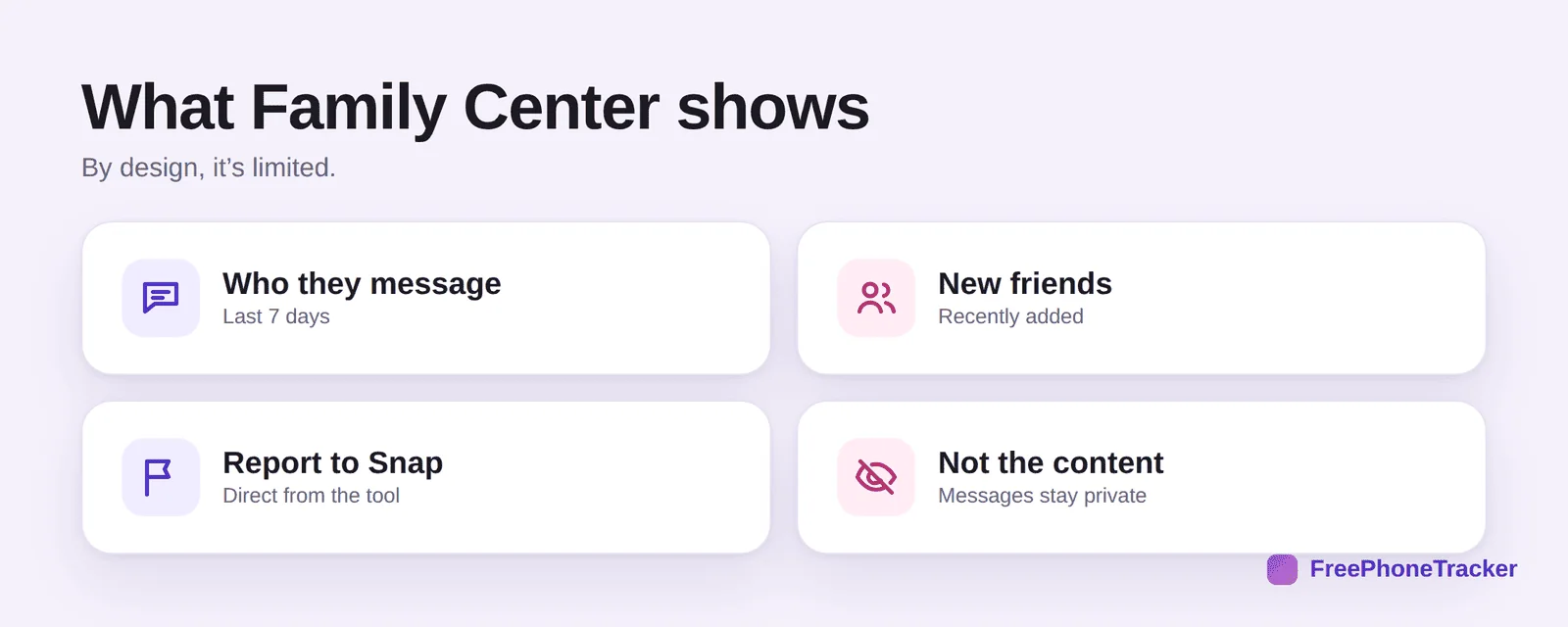
See who they’ve talked to in the last seven days and who they’ve added recently, which is where stranger contact shows up. Report an account straight to Snapchat if something’s off. And while you’re in settings, check Snap Map, switch on Ghost Mode so their location isn’t shared. Together these address the biggest concerns from our Is Snapchat safe? guide.
Where Family Center stops
Family Center is thoughtfully built, and deliberately limited. It shows contacts and new friends, not conversations.
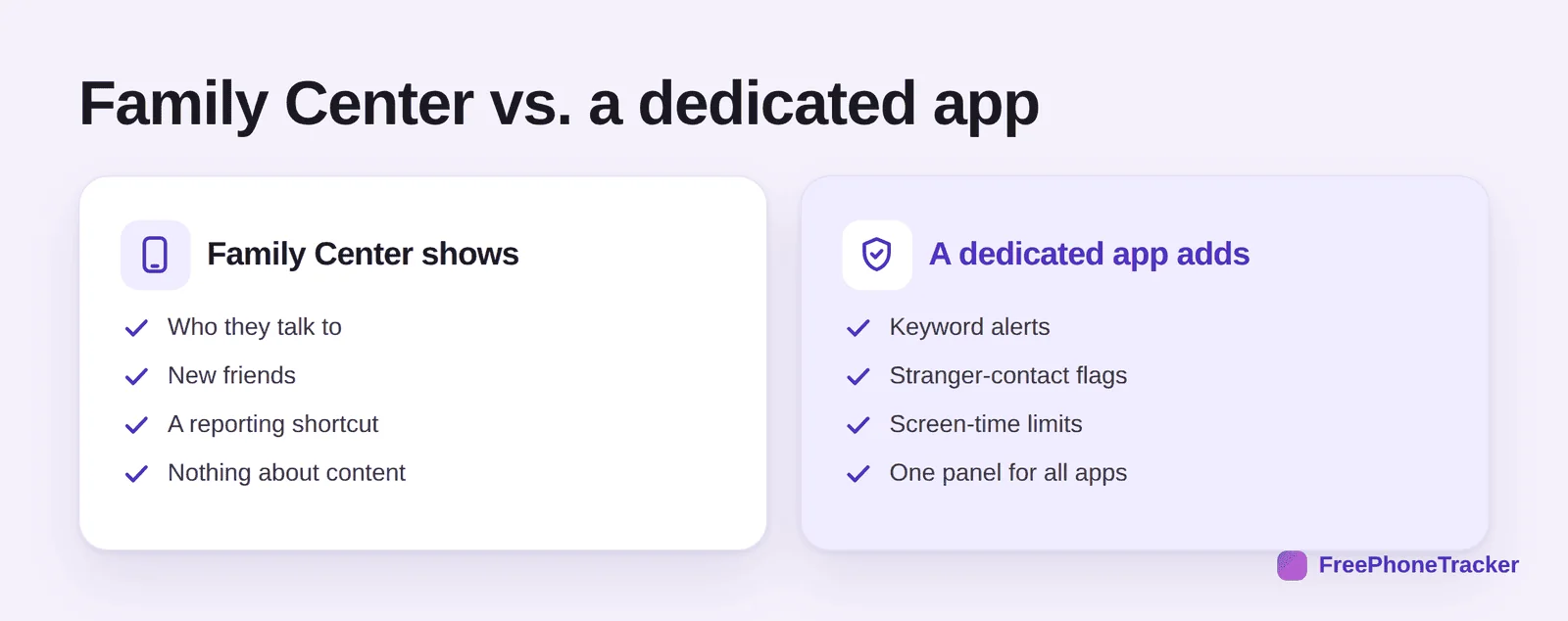
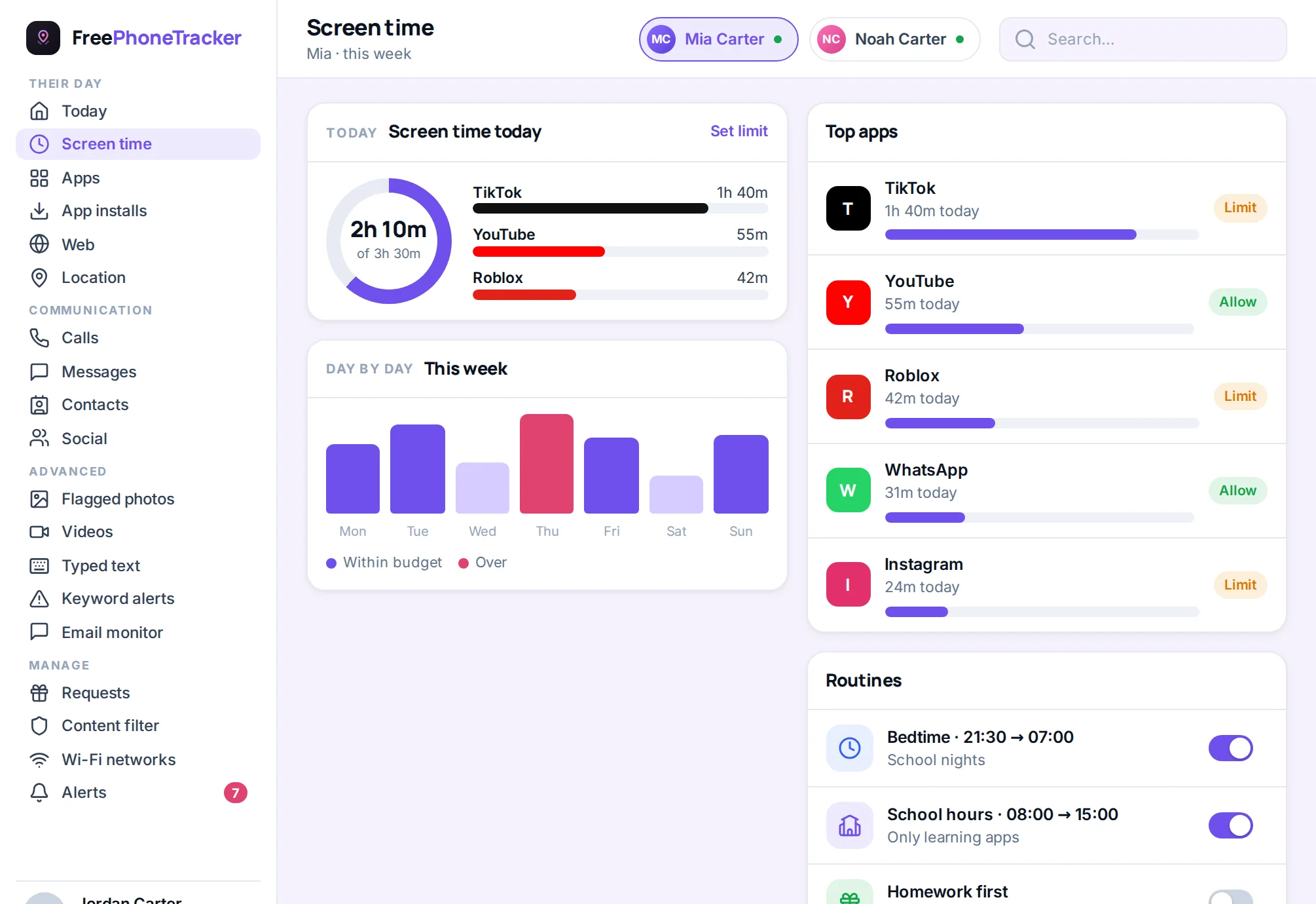
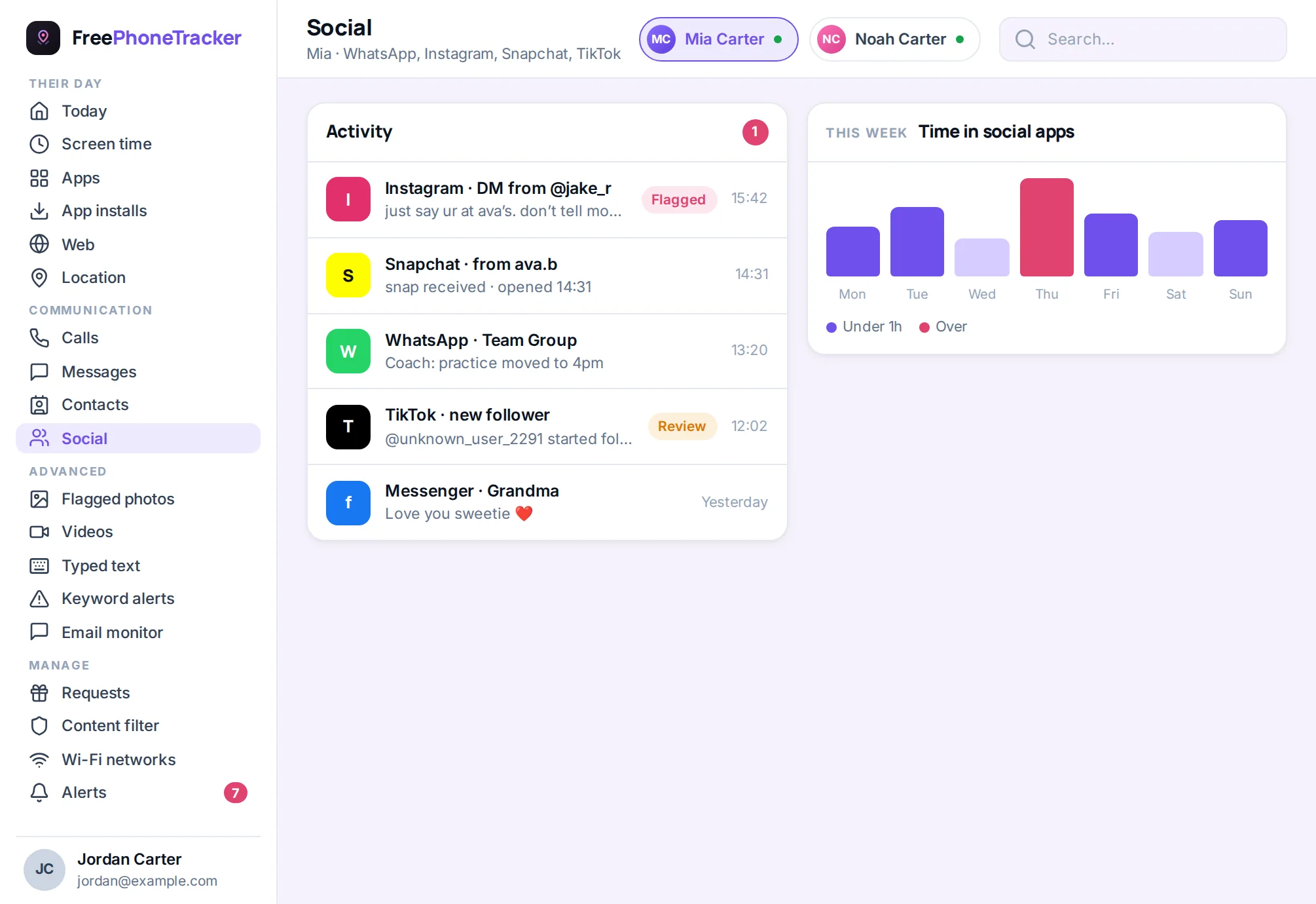
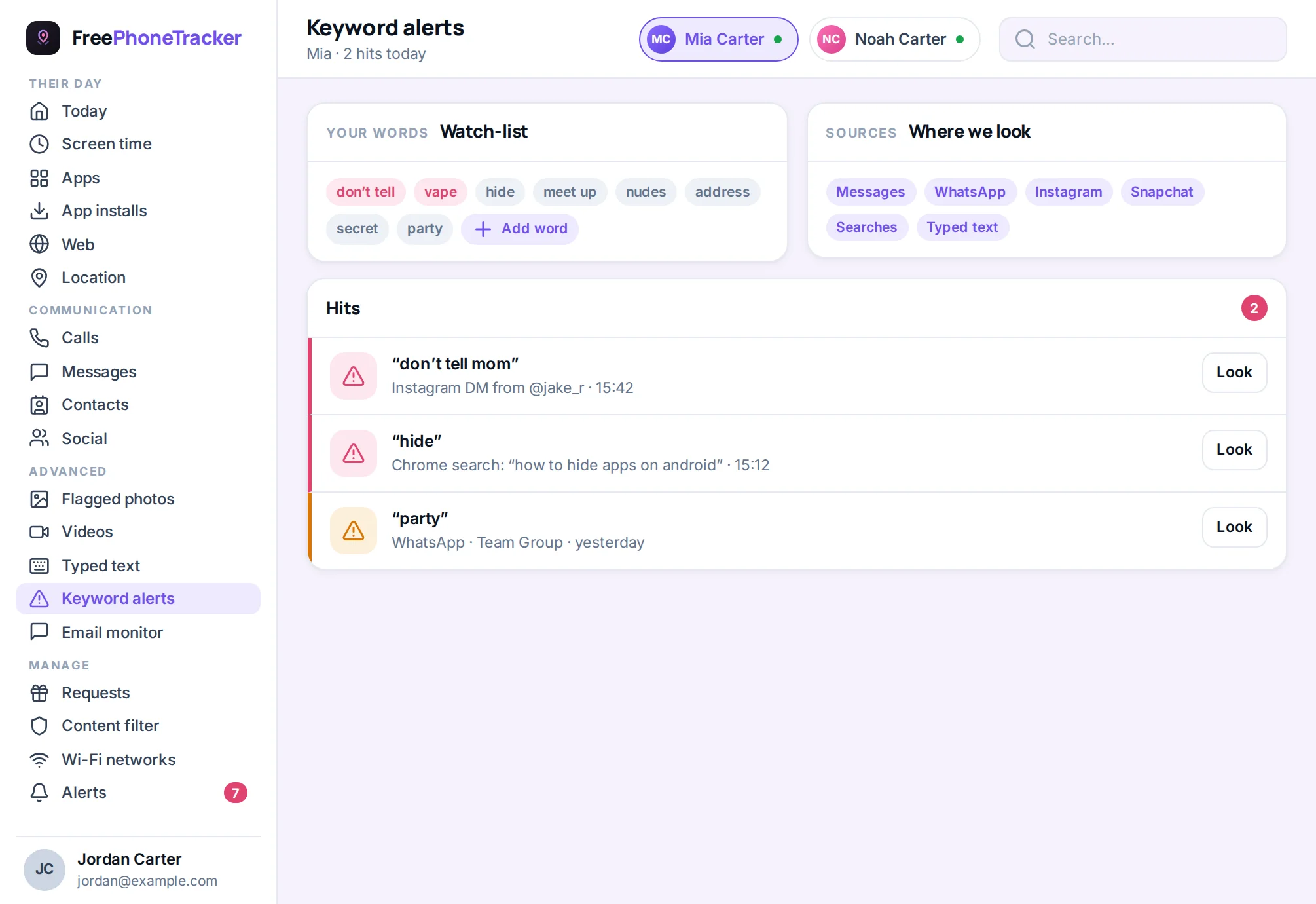
It won’t show message content, flag a concerning conversation, or gather activity from other apps into one place, and Snapchat’s disappearing messages make that harder still. For a younger teen, Family Center plus an honest chat is often enough. For an older one across several apps, a dedicated tool like FreePhoneTracker adds keyword alerts and one panel for Snapchat, Instagram, TikTok and the rest.
Getting it right
A few tips. Set it up together, since your teen accepts the invite anyway, so make it a conversation. Turn on Ghost Mode the same day so Snap Map isn’t broadcasting their location. Keep an eye on new friends rather than trying to police every chat. And revisit it now and then, as our guide to monitoring a teen respectfully suggests.
Common questions
Is Family Center free?
Yes, it’s built into Snapchat at no cost. Add your teen from Settings › Family Center.
Can I read their snaps?
No. Family Center shows who they talk to, not what they say, and snaps disappear by design. For message-level visibility you’d need a dedicated monitoring app.
What is Snap Map, and should I turn it off?
Snap Map can share your teen’s live location with friends. Switch on Ghost Mode so it doesn’t. Our Is Snapchat safe? guide covers it in detail.
Can my teen unlink Family Center?
They can remove it, but you’re notified. That transparency is a reason to link openly rather than secretly.
Do I still need a monitoring app?
For a young teen, maybe not. For an older one across many apps, a dedicated app adds alerts and a single view Family Center can’t. See our social media safety guide.
Snapchat’s Family Center is a smart, free foundation, link the accounts, watch new friends, and turn on Ghost Mode. For a teen juggling several apps, add the alerts and single-panel view a dedicated tool provides. Set it up openly, keep talking, and Snapchat gets far less worrying. Get started free to add the monitoring layer, and read Is Snapchat safe for my child? for the bigger picture.